Collaborate on Wrike tasks and manage projects right in Microsoft Teams
Conversations drive collaboration, yet it can be difficult to tie them back to work. Topics are overlooked, action items go unrecorded, and new work can lack structure and a clear plan.
With Teams, Microsoft created a chat-based workspace that acts as a hub for teamwork, making it easier to connect conversations with work.
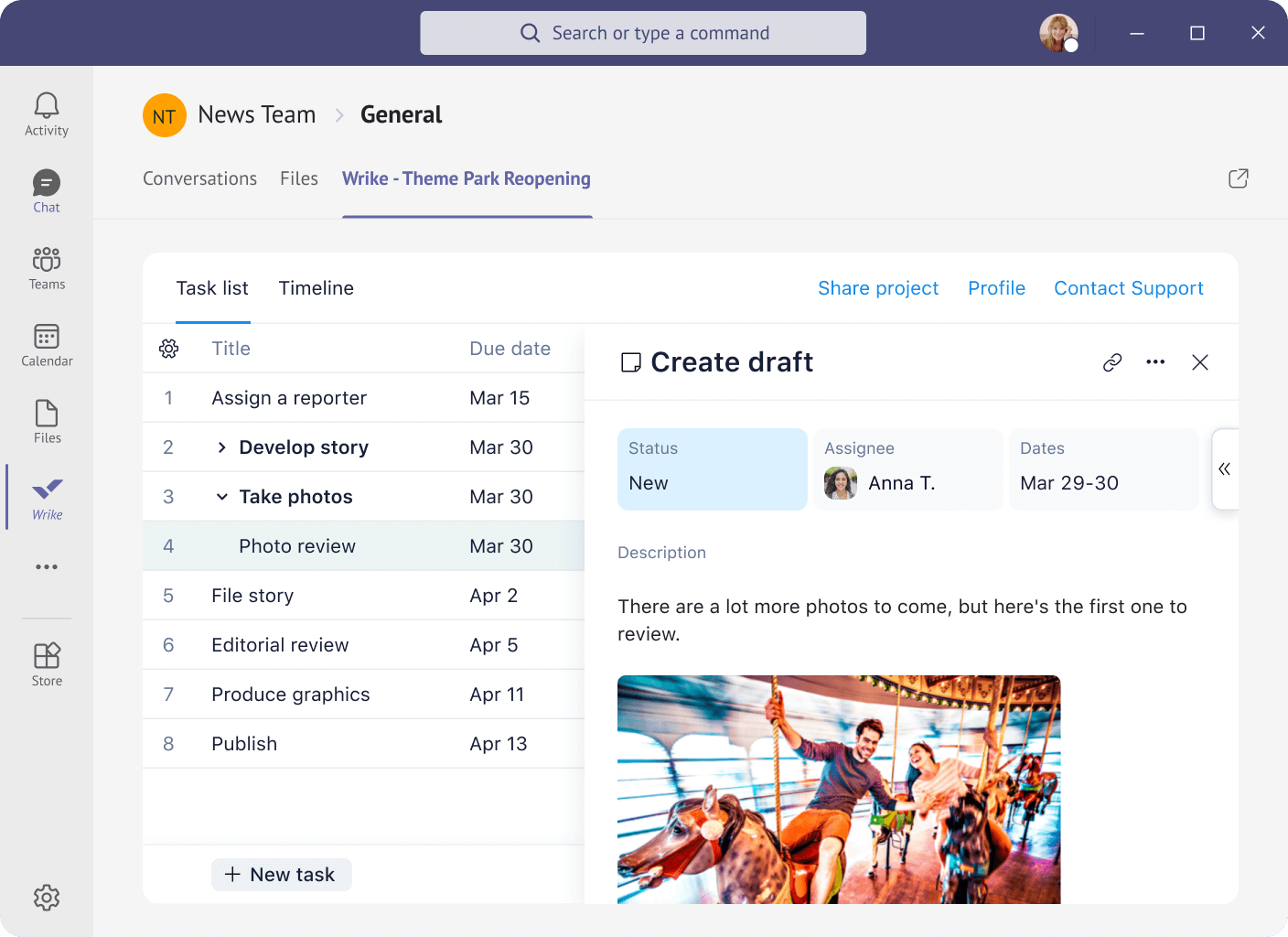
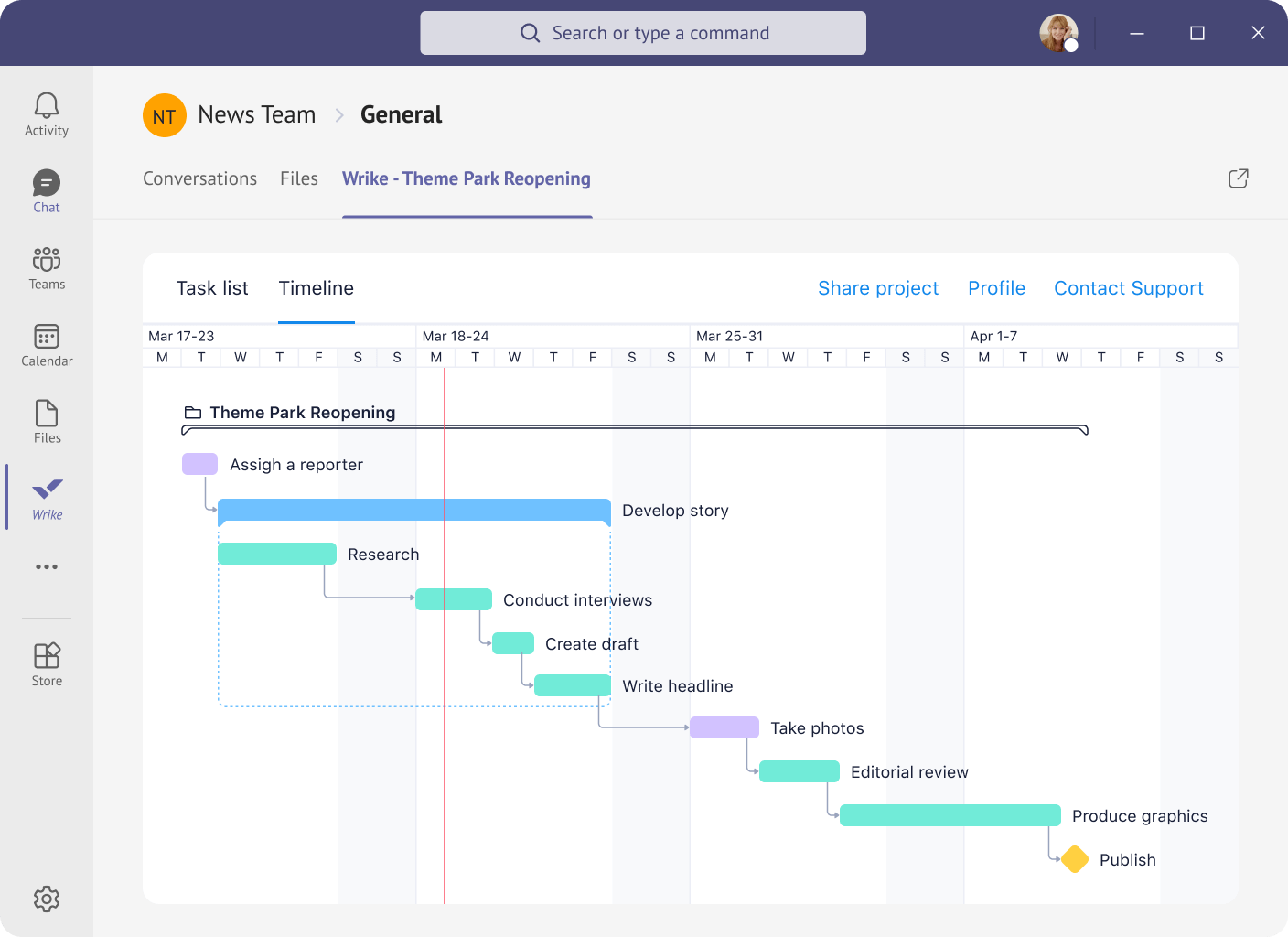
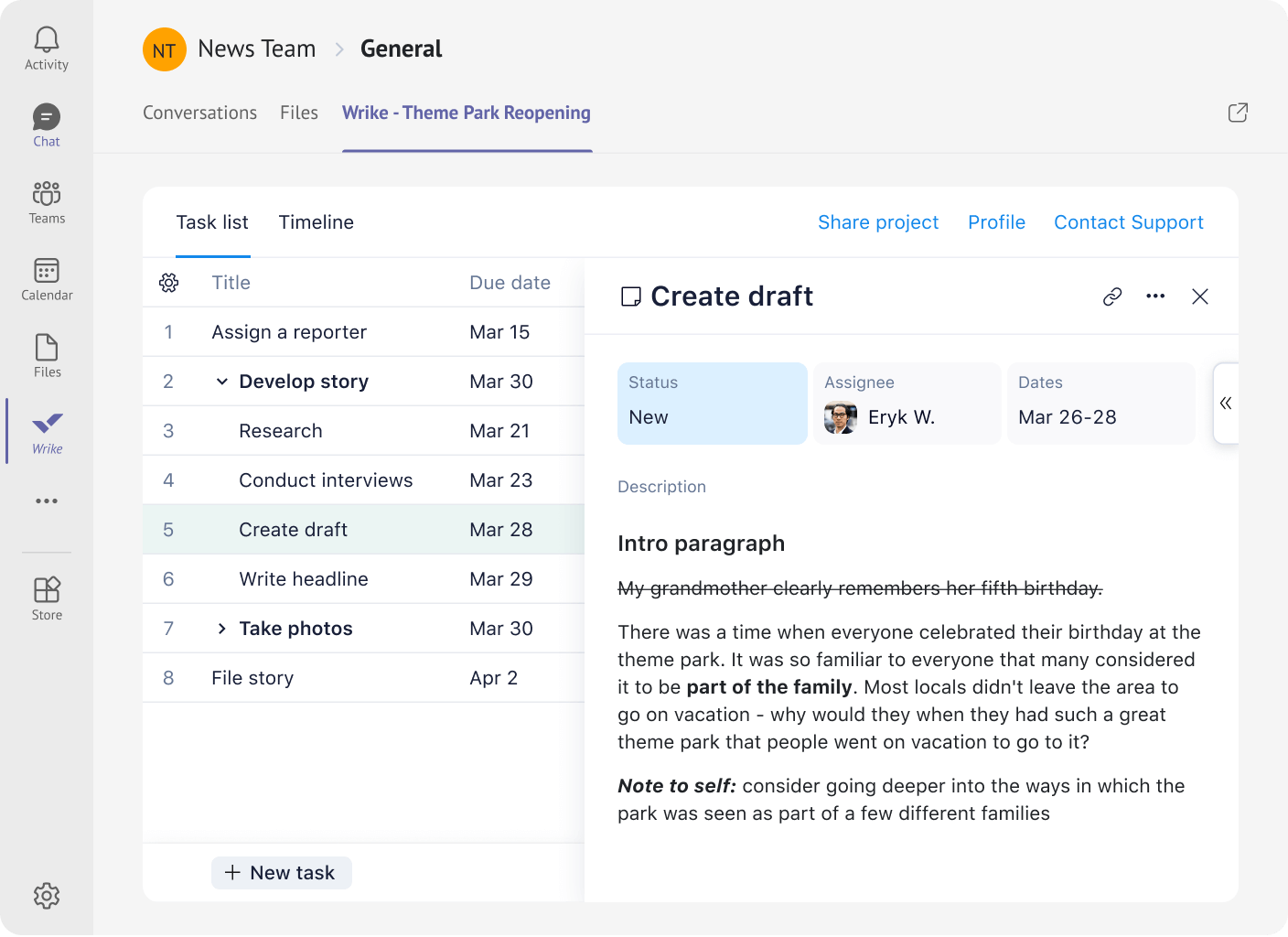
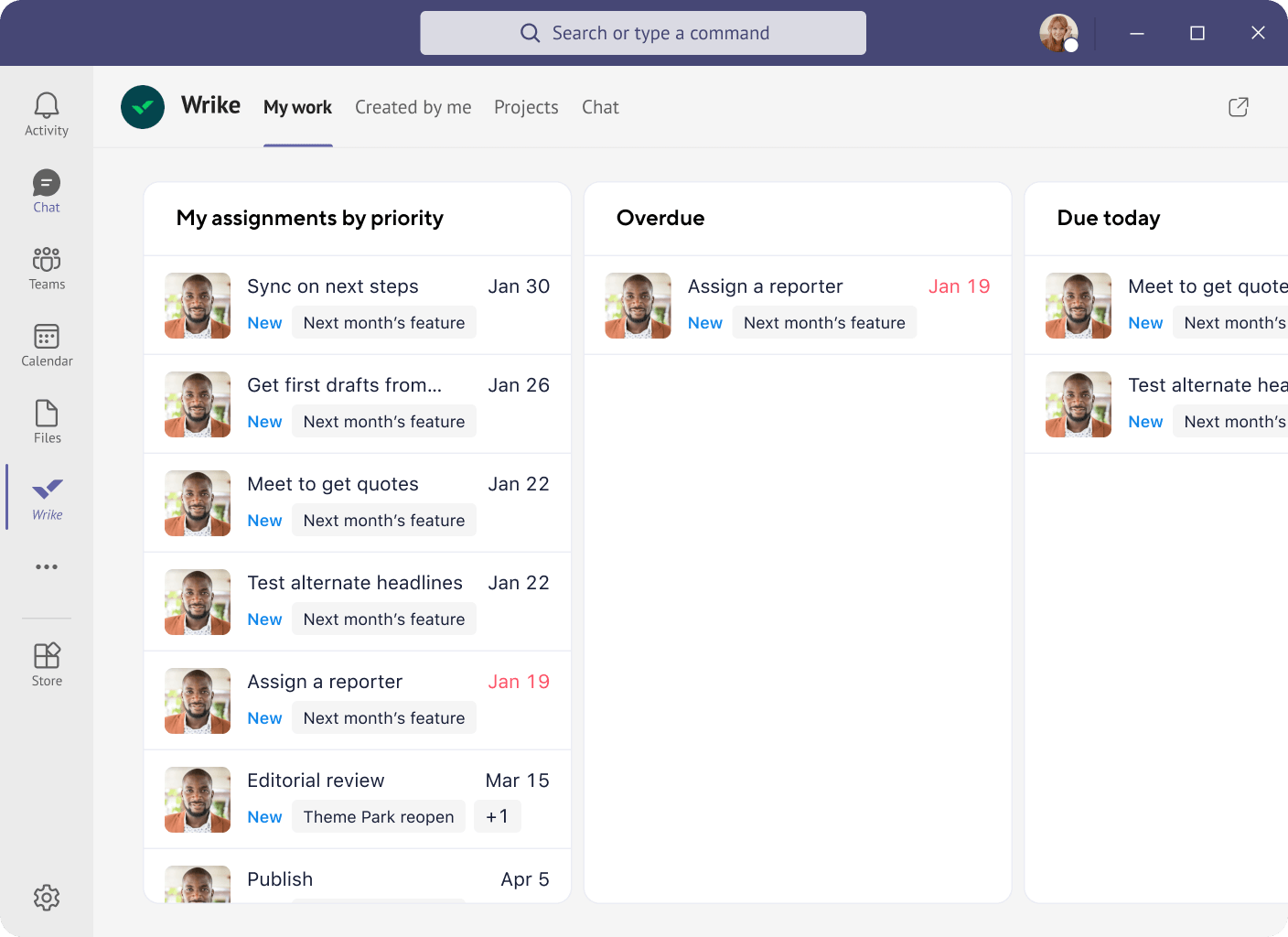
And Wrike for Microsoft Teams builds on this by enabling you to turn conversations into structured work and collaborate on Wrike projects and tasks right in Microsoft Teams, ensuring that your team can perform their best and accomplish more.
Get things done faster with Wrike's project management tool!
based on 13,000+ reviews from
FAQ
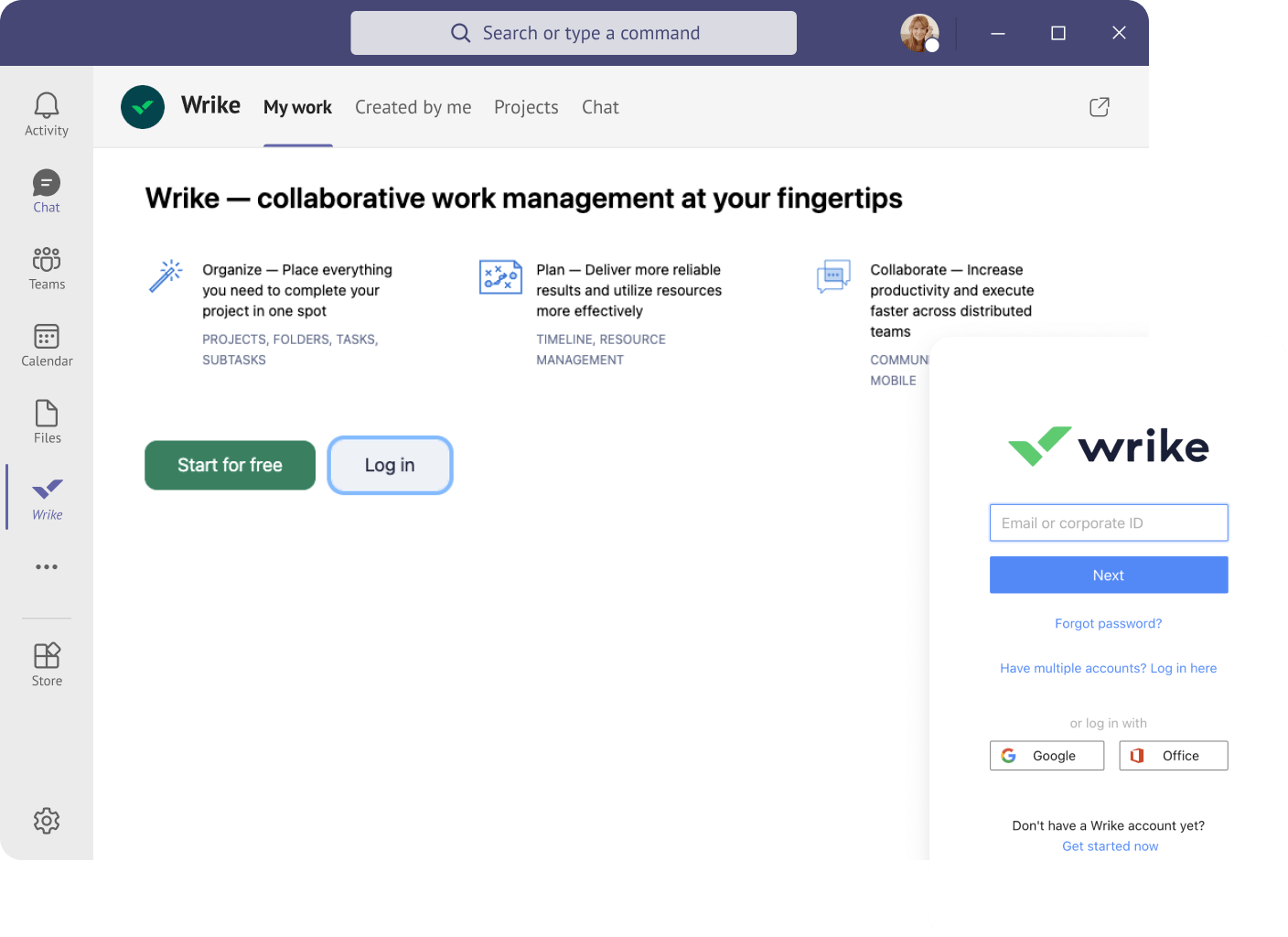
Connect your Wrike account to Microsoft Teams by navigating to the Teams store and installing the Wrike application. Add a Wrike project as a tab in your channel so you can view project details without leaving the Teams app.
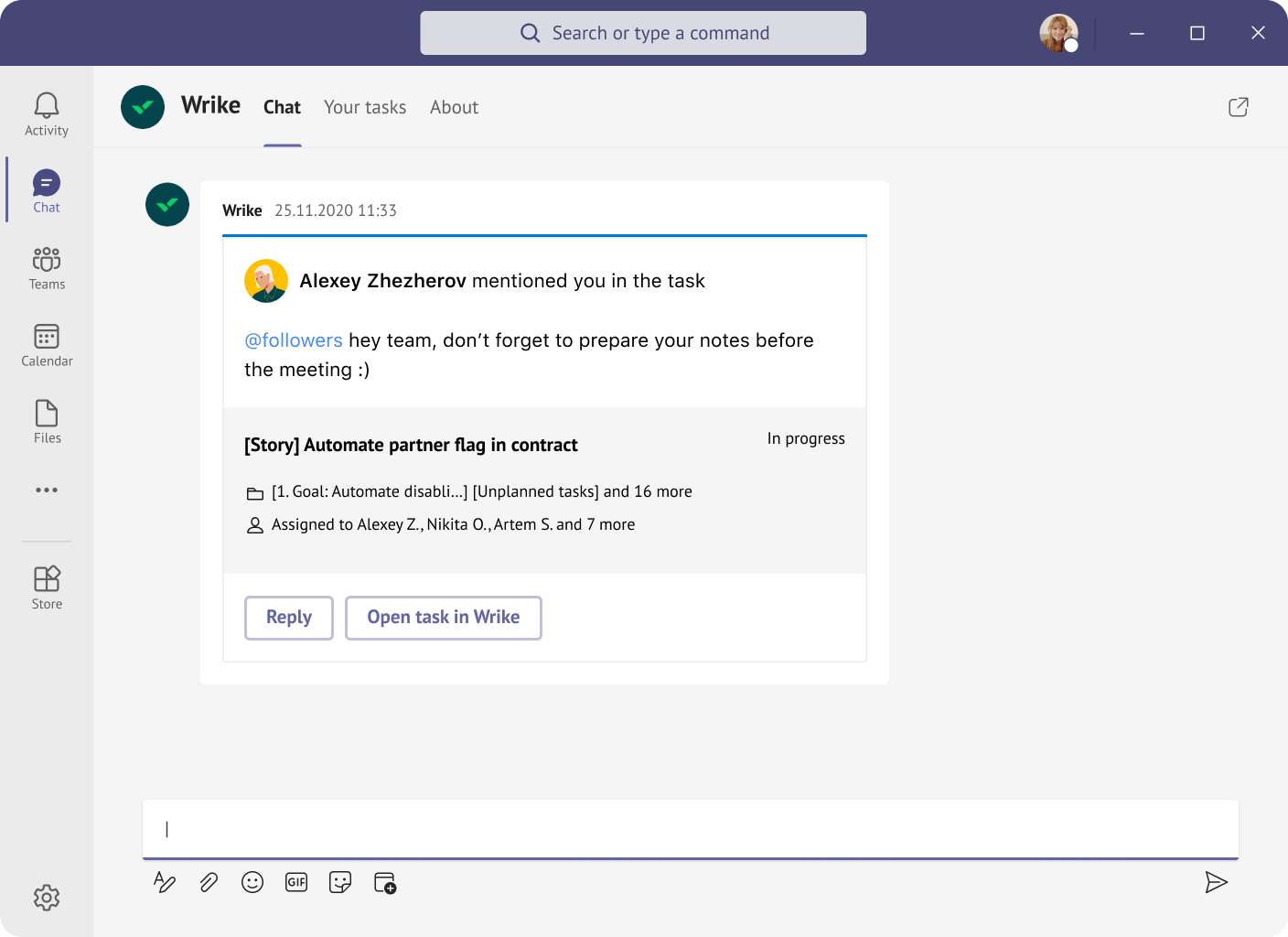
Yes, it is possible to access Wrike through the Teams app. Wrike and Teams integrate seamlessly, allowing you to search for tasks, manage tasks, and share tasks in ongoing communications — all within the Teams app.
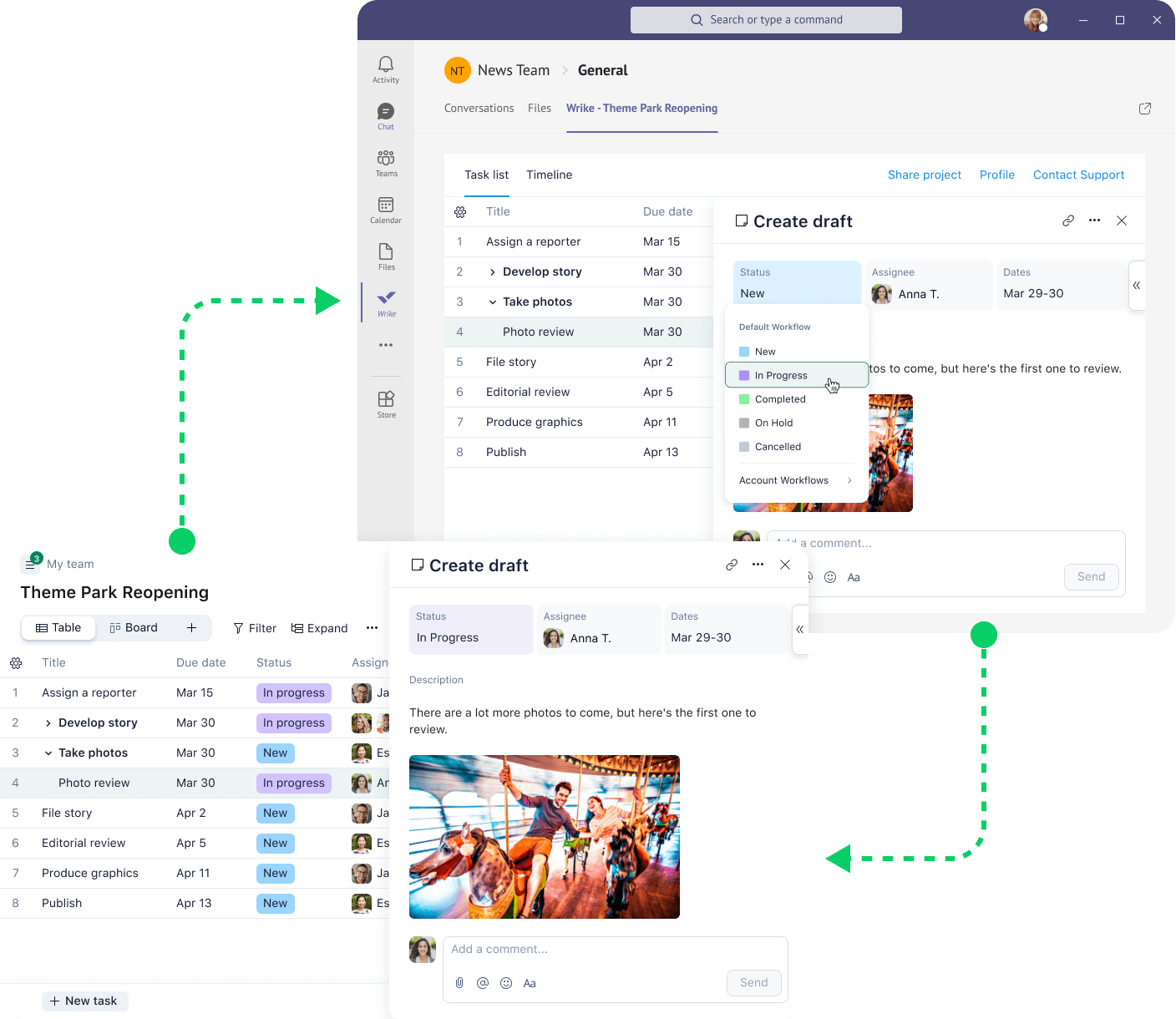
Once you’ve installed the Wrike add-on for Teams, you can update assignees, due dates, and statuses for project tasks. You can also view project dashboards within the Teams app.
Yes, the Microsoft Teams integration for Wrike is free. Improve project communication with Wrike and Teams without upgrading or buying any additional plans.
Yes, you can send Wrike comments through Microsoft Teams.
Discover Wrike’s integration solutions
Use our smart search assistant to explore how Wrike’s integrations can optimize your productivity.
Wrike enhances its website search experience using Google's Vertex AI Search and Conversation generative AI service. Users are cautioned that generative AI might produce inappropriate, inaccurate, offensive, or unintended results, and are advised against submitting explicit, harmful, offensive, or illegal content as search input. Neither Wrike nor Google uses your search inputs to train its machine learning models or for advertising purposes, but search activities may be collected and/or stored via cookies in accordance with our Privacy Policy if you previously registered on our website. These cookies can be deleted through your browser settings. Wrike's search service is not designed to be used in connection with your personal data or any sensitive data of any kind, which users must refrain from inputting.