Simplify your software development process with quick bug management, backlog grooming, and sprint execution with Kanban. Manage epics, user stories, and all related work in one place.
In the software template, you can:
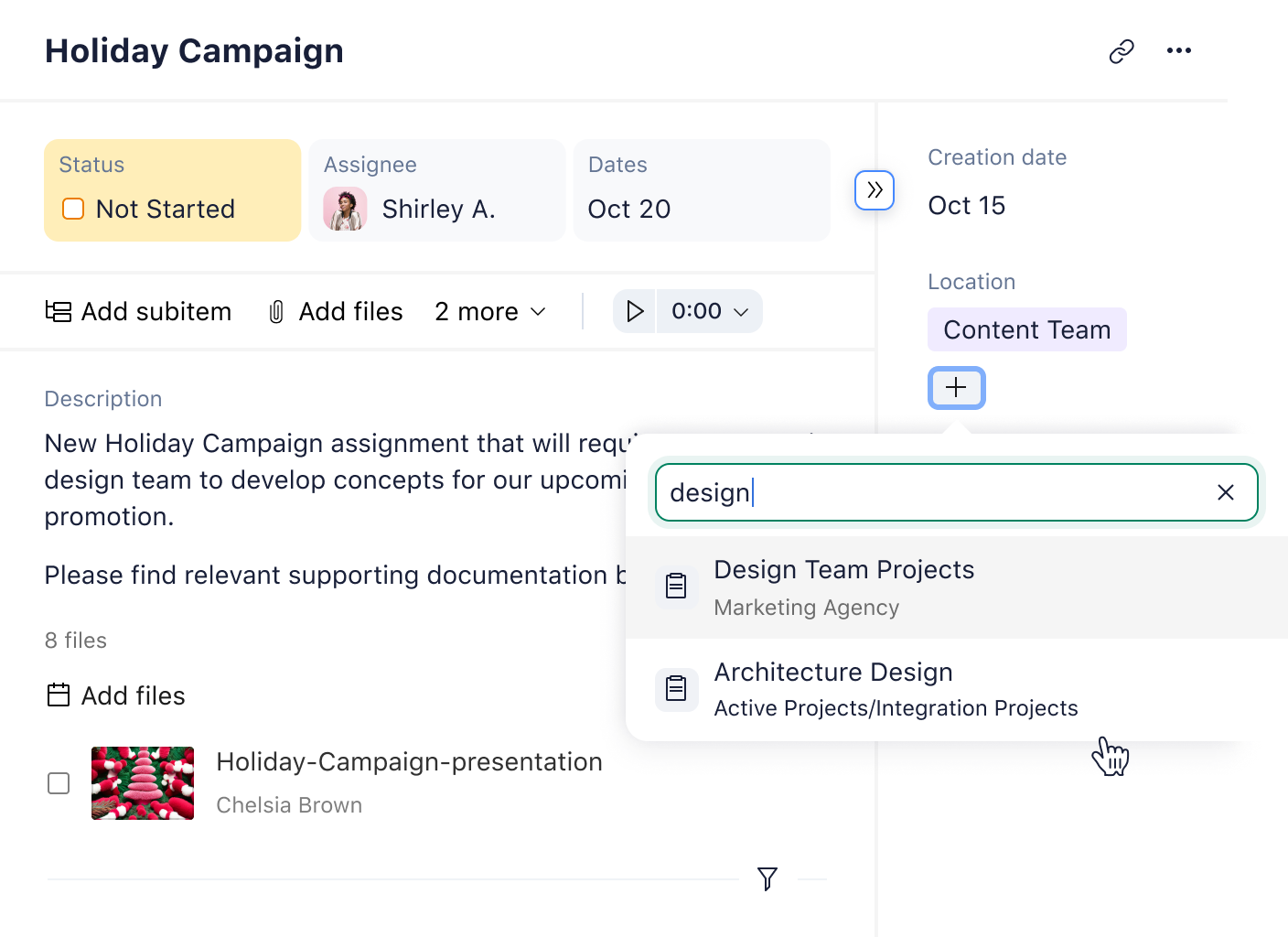
Distinguish between should-have and must-have features with custom fields
Quickly report bugs and categorize them with a drop-down menu
Request new features in real time with custom forms
Drag and drop tasks from your backlog with Kanban board management
Refine your software development workflows with Wrike
Equip your team with powerful Agile features that can be customized to your unique needs.
Automate recurring workflows to save time
Use smart automation to cut down on the busywork and get more meaningful tasks done. Speed up your software development process with the right automation triggers.
Streamline task management with Kanban boards
Visualize project progress with Kanban boards and drag and drop user stories from your backlog. Assign tasks to team members and clarify collective and individual priorities.
Boost visibility across projects with cross-tagging
Connect interlinked tasks and projects across multiple programs with cross-tagging. Add agenda items and instantly notify team members of new priorities and scope shifts, so you stay on the same page.
Extend your mileage with smart integrations
Use Wrike’s third-party app integrations to unify your software development process. Bring all your disconnected apps together to minimize context-shifting as you and your team work toward one goal.
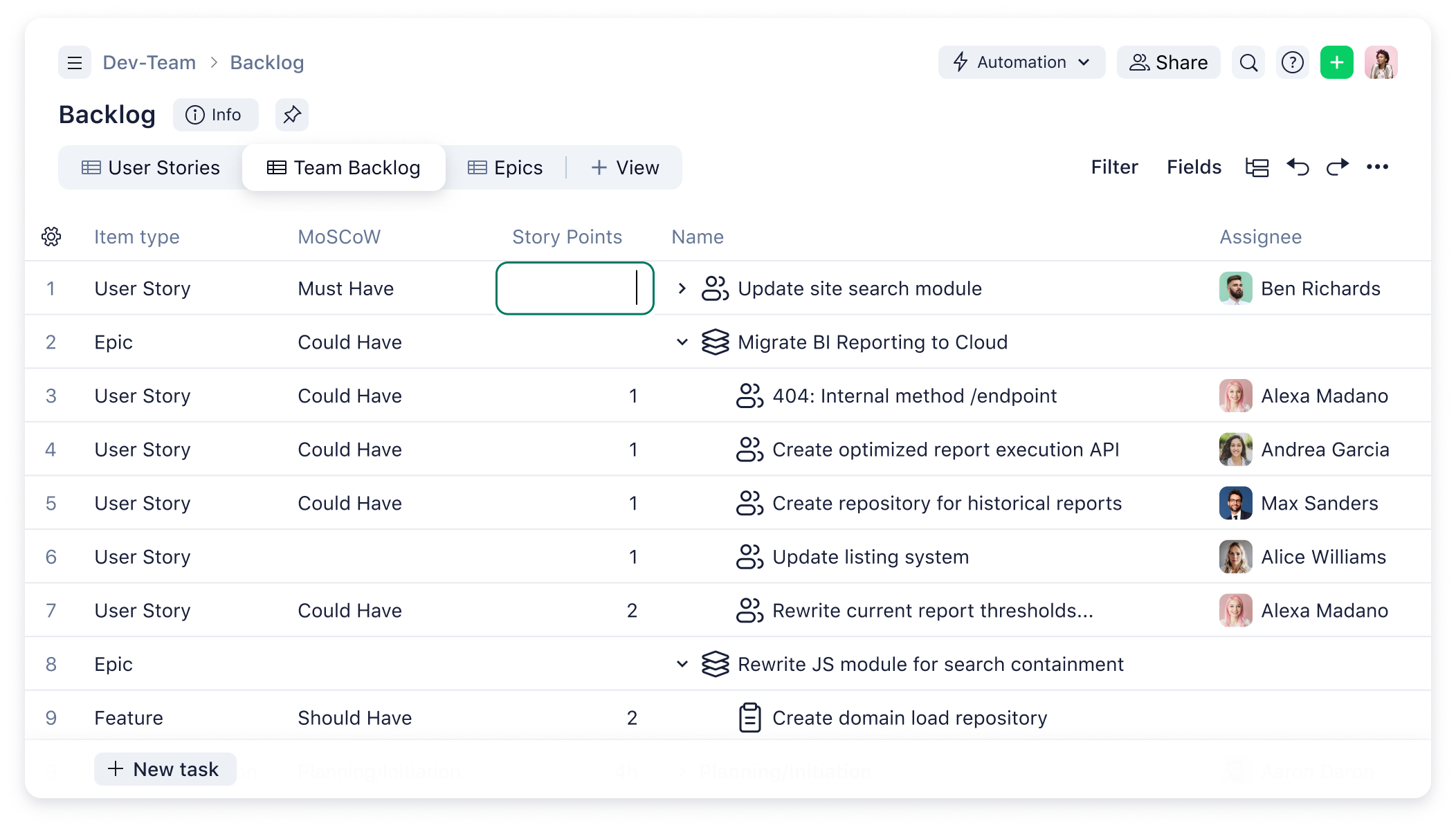
Custom fields Track every aspect of your software projects, from MoSCoW prioritization to story points, overall business impact, and more. Explore Wrike custom fields.
Request forms Use our two custom request forms to report a new bug (such as an issue with compatibility) or ask for a new feature. Learn more about request forms.
Dashboard Bring all your tasks together in one dashboard and use our Kanban view to simplify your team’s workflows. Check out Wrike dashboards.
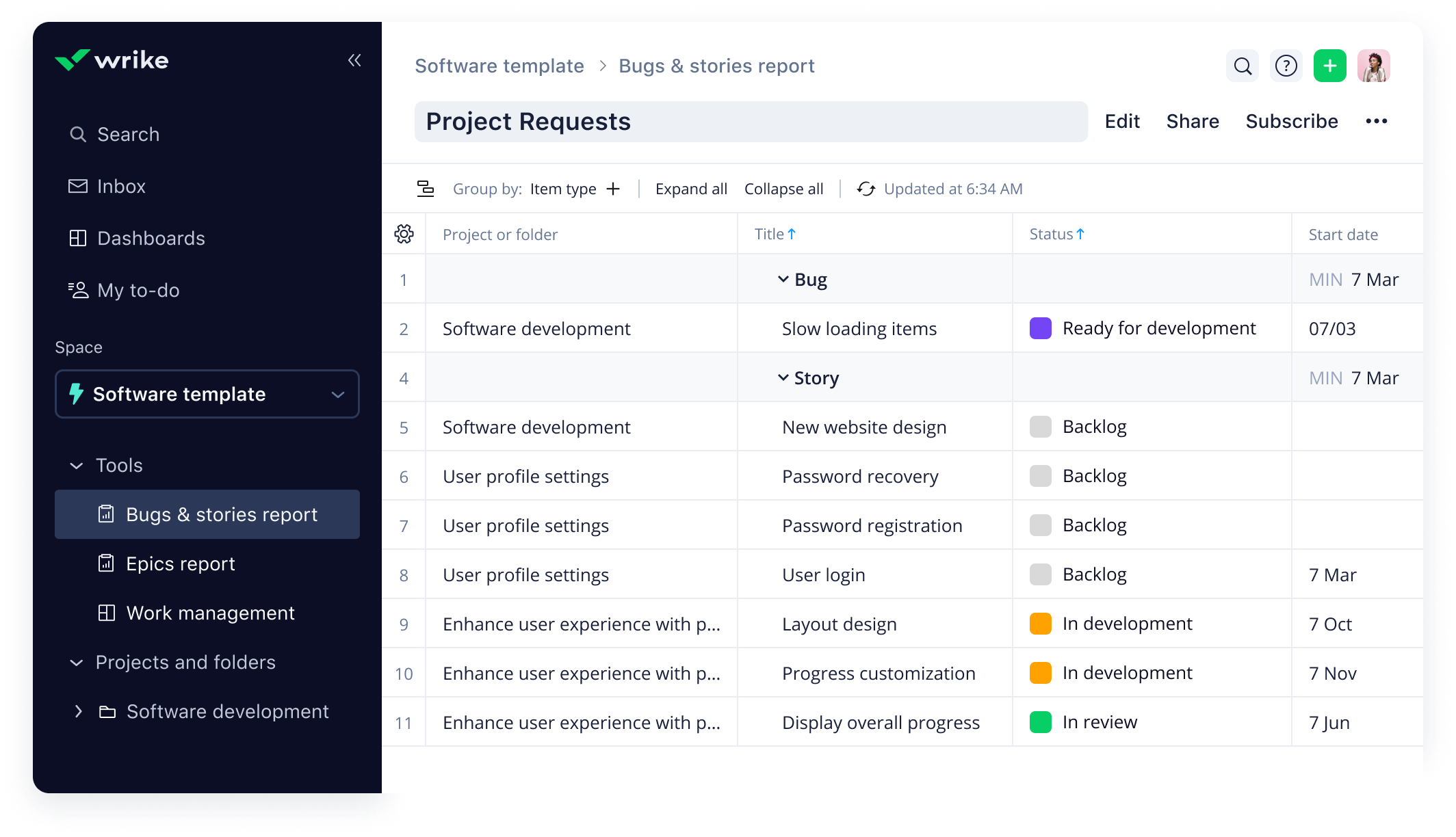
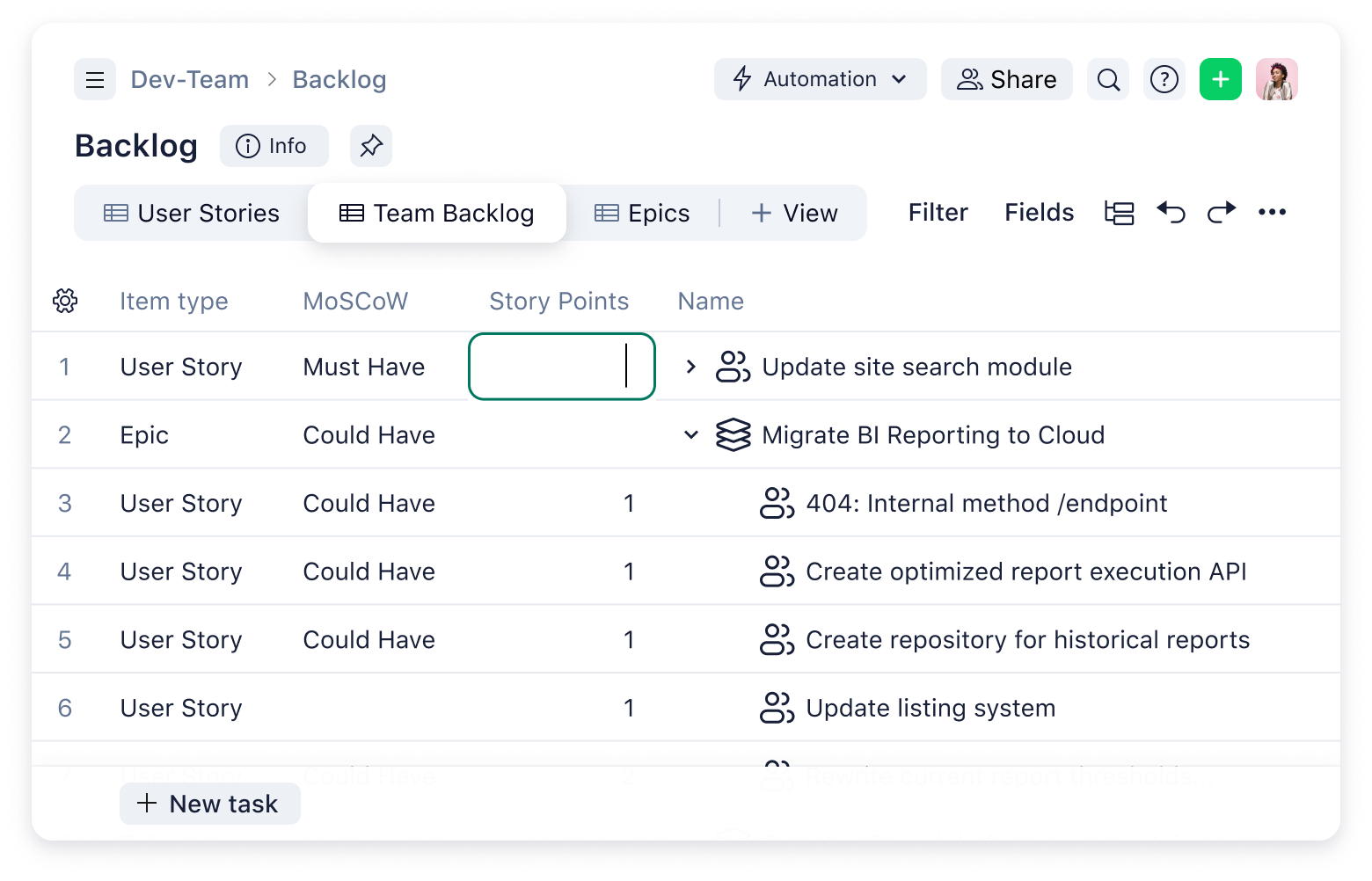
Backlog view Switch to the Backlog view to monitor intake and also start planning the development of key deliverables. Explore Wrike views.
Custom item types Put all the core building blocks of your software development process in place with custom item types for bugs, user stories, epics, and new requests. Discover Wrike’s custom item types.
Automation Customize smart automation to notify team members of new tasks, send projects off for approval, and more. Learn more about automation.
Workflow Customize the software template workflow, which is full of projects and tasks that you can replicate your processes with. Find out more about Wrike workflows.
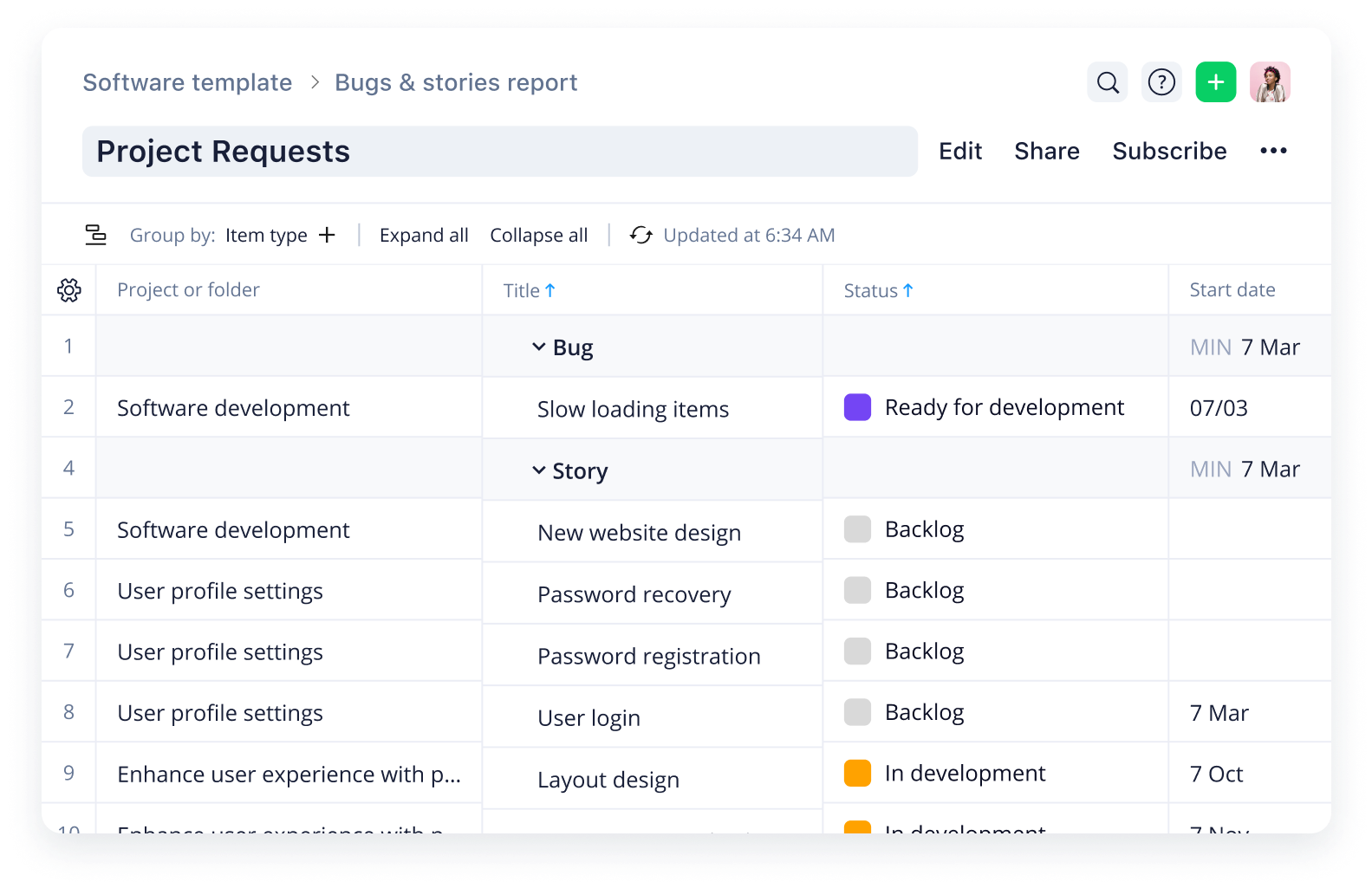
Reports This template comes with two reports: one for epics, and one for bugs and user stories.Monitor the status, importance, and MoSCoW priority level of each epic. View the assignee and important dates for every bug and user story at a glance. Explore Wrike reports.
How to use Wrike’s software template
Our software template can help you transform your work management. Simplify everything from bug reporting to feature requesting, and gain full visibility of team progress with real-time data.
Here are a few ways you can use the template:
Report bugs and request features with dynamic request forms
Monitor progress, categorize features, and assign business importance with custom fields
Set up epics, user stories, bugs, and requests using custom item types
You can use the software template to streamline your Agile work management, using the core building components of epics, user stories, bugs, and requests to map out the software development process.
Enter your business email and use the software template workflow to start creating custom processes for your team.
The Agile methodology lends itself well to software development and DevOps projects. Using Kanban boards, for example, you can easily map out and visualize your product backlog. Drag and drop individual tasks to represent progress to the next stage such as “Testing” or “Development.”
An Agile epic is a single piece of work that you can divide into individual tasks known as user stories. Agile stories or user stories are the building blocks of epics and are typically produced with the end user’s perspective in mind.
You might be interested in these templates
IT Risk Assessment
Stay secure and prepared by improving your risk visibility with Wrike’s IT risk assessment template. Better manage and mitigate the risks that impact your organization.
Product Backlog
Use the product backlog template from Wrike to create an actionable list of tasks for your product development team to prioritize and complete. Our template is fully customizable.
Agile Teamwork
This Agile teamwork template will help you structure your sprints, collect Scrum notes, and work through your backlog to deliver impressive results every time.
IT Risk Assessment
Stay secure and prepared by improving your risk visibility with Wrike’s IT risk assessment template. Better manage and mitigate the risks that impact your organization.
Product Backlog
Use the product backlog template from Wrike to create an actionable list of tasks for your product development team to prioritize and complete. Our template is fully customizable.
How to install this template in your account
You can only access this template when you create a new space. You can access the use case templates gallery through the space creation wizard. When you opt to create a new space, the template gallery opens by default.
Click the “+” button in the upper-right corner of your workspace.
Select “Space.”
On the page that opens, hover over the use case you want and click “Preview.” Look for the “Software template” template in the list (use the search bar if needed).
Now, you can see more information about the use case. Click “Select” to create a space.
Yes, there are.
To use this template, you need to have at least the Business plan or up. Check our plans here.
You must have the required permission to create a public space in your account.
If the template contains account-level custom fields, custom item types, workflows, request forms, or automation, you must have the permission required to create those items.
This template is only available when the workspace language is set to English.
Check the prerequisites above. If you don’t match one of the prerequisites, talk to your space admin or your account owner. If you match all the prerequisites and you still can’t see the “Software template“ template, feel free to reach out to the Wrike support team.
Unlock the power of Wrike’s templates
Use our smart search tool to explore versatile templates, designed for easy customization and streamlined project management.
Wrike enhances its website search experience using Google's Vertex AI Search and Conversation generative AI service. Users are cautioned that generative AI might produce inappropriate, inaccurate, offensive, or unintended results, and are advised against submitting explicit, harmful, offensive, or illegal content as search input. Neither Wrike nor Google uses your search inputs to train its machine learning models or for advertising purposes, but search activities may be collected and/or stored via cookies in accordance with our Privacy Policy if you previously registered on our website. These cookies can be deleted through your browser settings. Wrike's search service is not designed to be used in connection with your personal data or any sensitive data of any kind, which users must refrain from inputting.