Whether you’re building a new website from scratch or coordinating a redesign, it’s essential to plan out every step of the project with a web development template. That’s because these large-scale projects involve a range of stakeholders, so there is a high possibility of miscommunication.
Information on project requirements and deadlines can get lost, resulting in delayed deliverables
Action items can be buried in team members’ to-do lists, creating further problems in development
Teams can feel overwhelmed if they can’t visualize each phase of the project in complex processes
Eliminate these obstacles with Wrike’s website development project plan template.
Use our pre-built request template to receive vital project information from clients
Ensure due dates are visualized with one-click Gantt charts
Quickly assign project tasks and priorities based on retrospective results
Why you need a web development template
Client requests aren’t shared
Ensure client priorities are included in the planning process — use the customizable request form in this website development template to gather key details.
Deadlines aren’t clear
Map out your project timeline with a Gantt chart. With Wrike’s web development template, you can meet every project milestone and stay on top of delivery deadlines.
Issues are slowing teams down
Implement regular checks and testing routines into your website development project plan template so you can pick up on any bugs or issues before your site’s official release.
How to use the website development project plan template
Are your website projects subject to information gaps? Is your development team struggling to meet deadlines?
Make sure you have the right data to ensure successful website project planning from the start. Wrike’s website development project plan template is the tool you need to avoid losing information and missing deadlines.
Use custom workflows to oversee your development team’s progress
As a development team, you want to ensure your website project planning is as efficient and successful as possible. Missing information or unclear priorities in your project scope set your team up for failure, delays, and unhappy clients.
That’s why you need Wrike’s website development project plan template for effective project management.Being able to visualize every phase of the site creation journey means that every team member can focus on delivering results in their area of expertise. A clear software development website template also gives direction and definitive expectations to different types of web projects, including blogs, podcasts, and display ads.
Ready to get started? Follow these three simple steps to kick-start your project management planning.
Step 1: Gather client information
Wrike’s web development template includes an easy-to-use dynamic request form that gathers information from clients so agencies can meet their website design needs successfully. This will save developers and project managers time seeking information from clients via email and ensure deadlines are clear from the outset.
Step 2: Organize your tasks
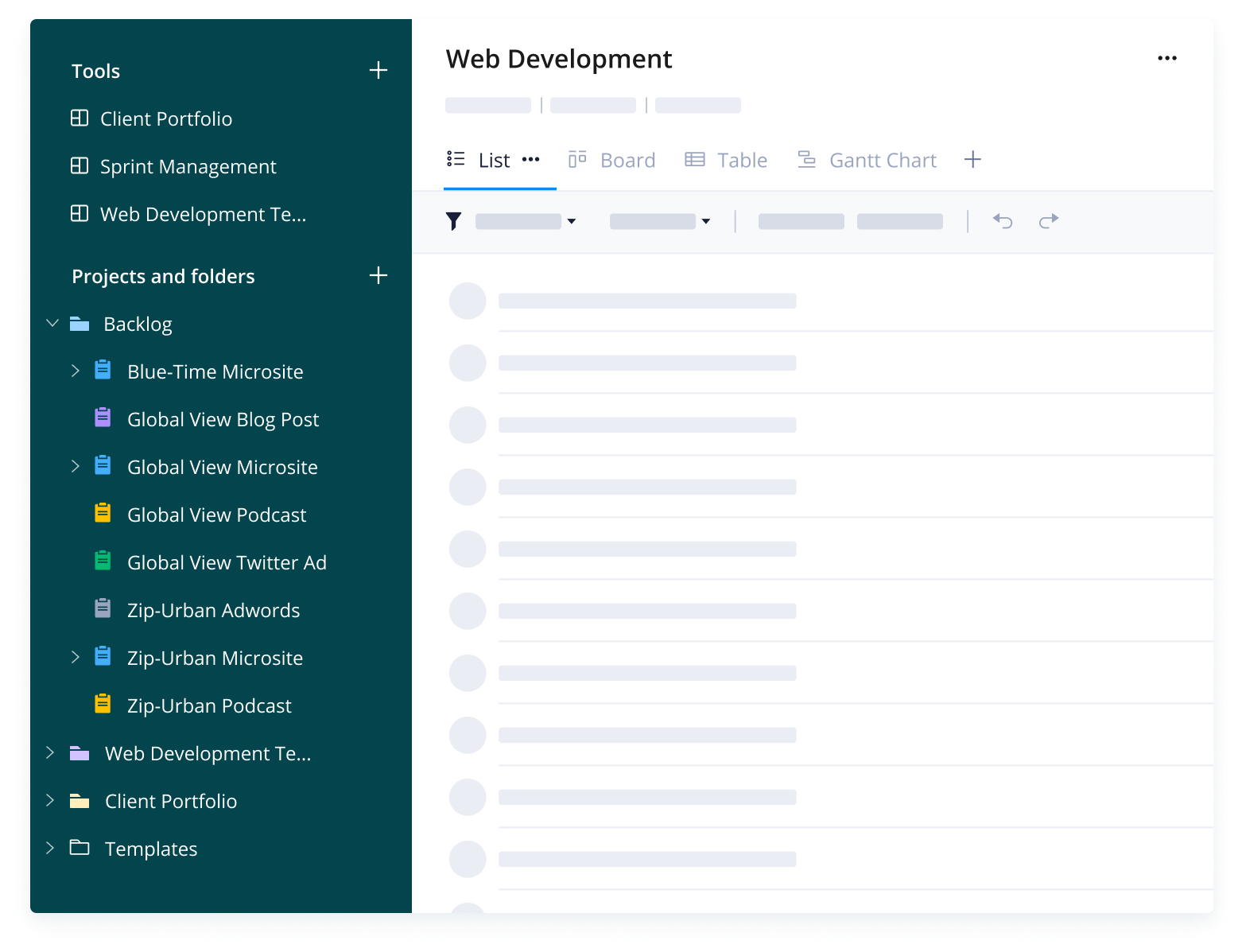
All client requests made via the form will be automatically added as tasks to your Wrike workspace. As a project/traffic manager, it’s your job to organize the backlog folder for the web development team and assign tasks. This website development template comes with pre-built folders to help you manage your intake, client portfolios, and contracts.
Step 3: Visualize your project plan
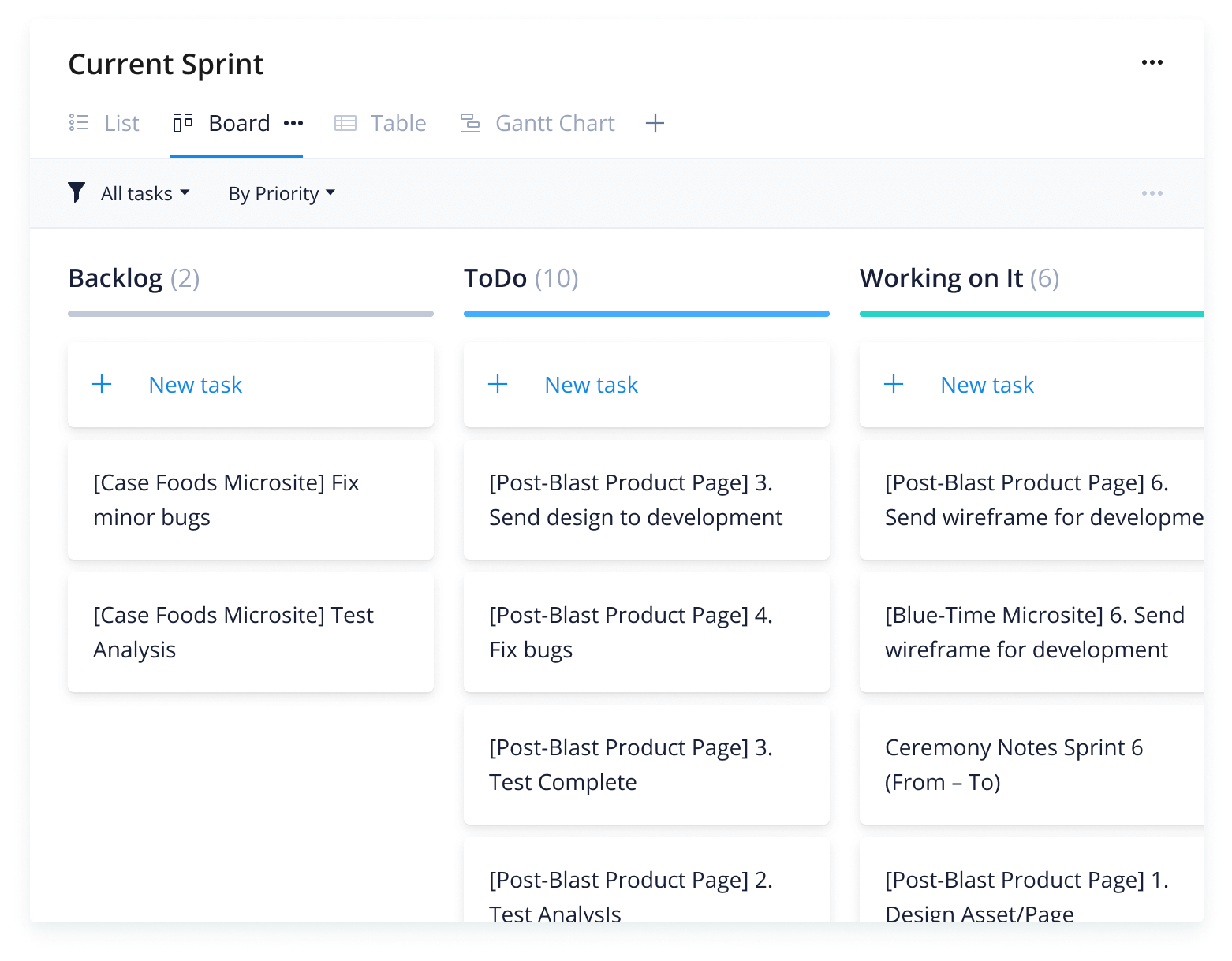
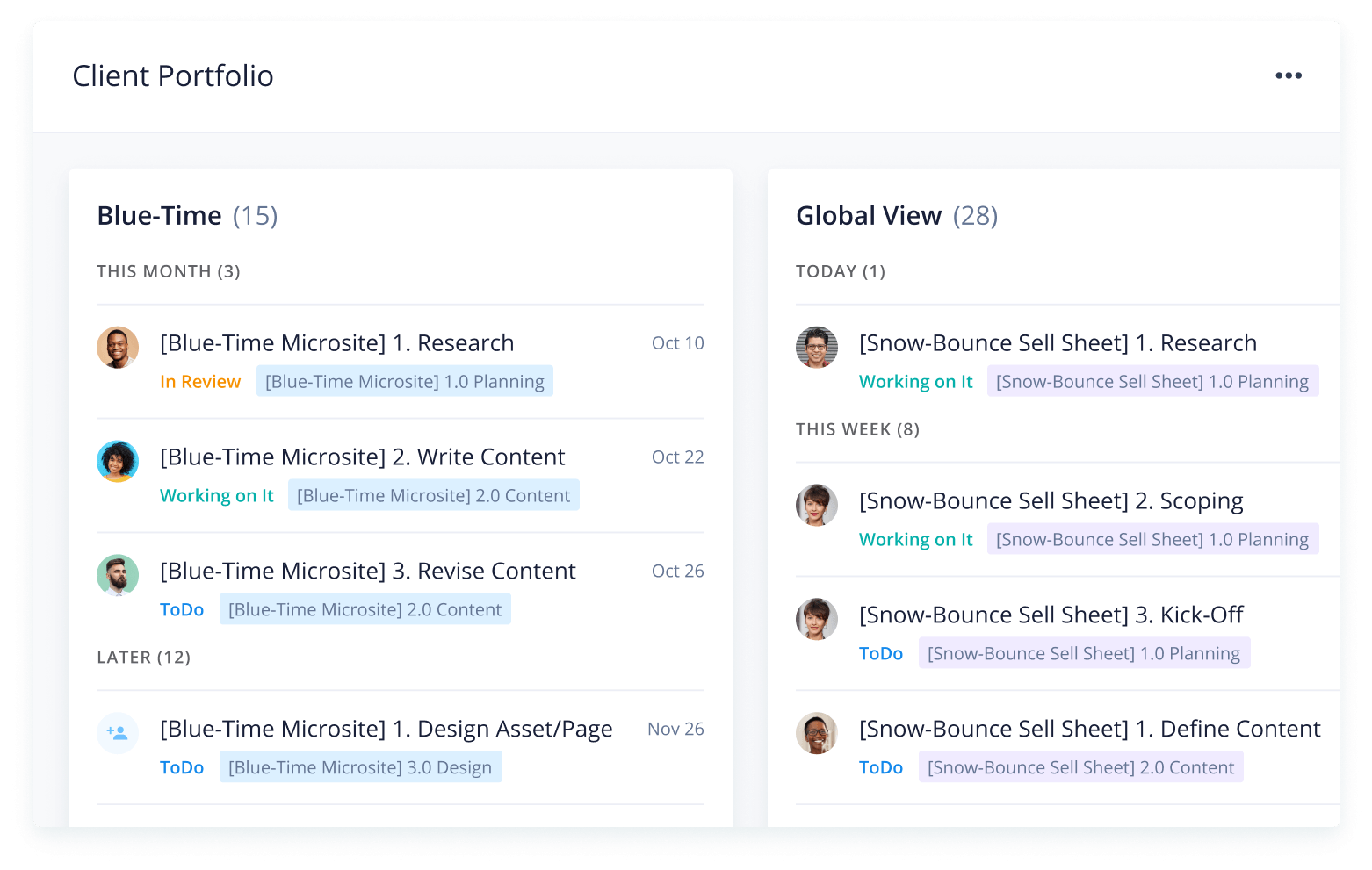
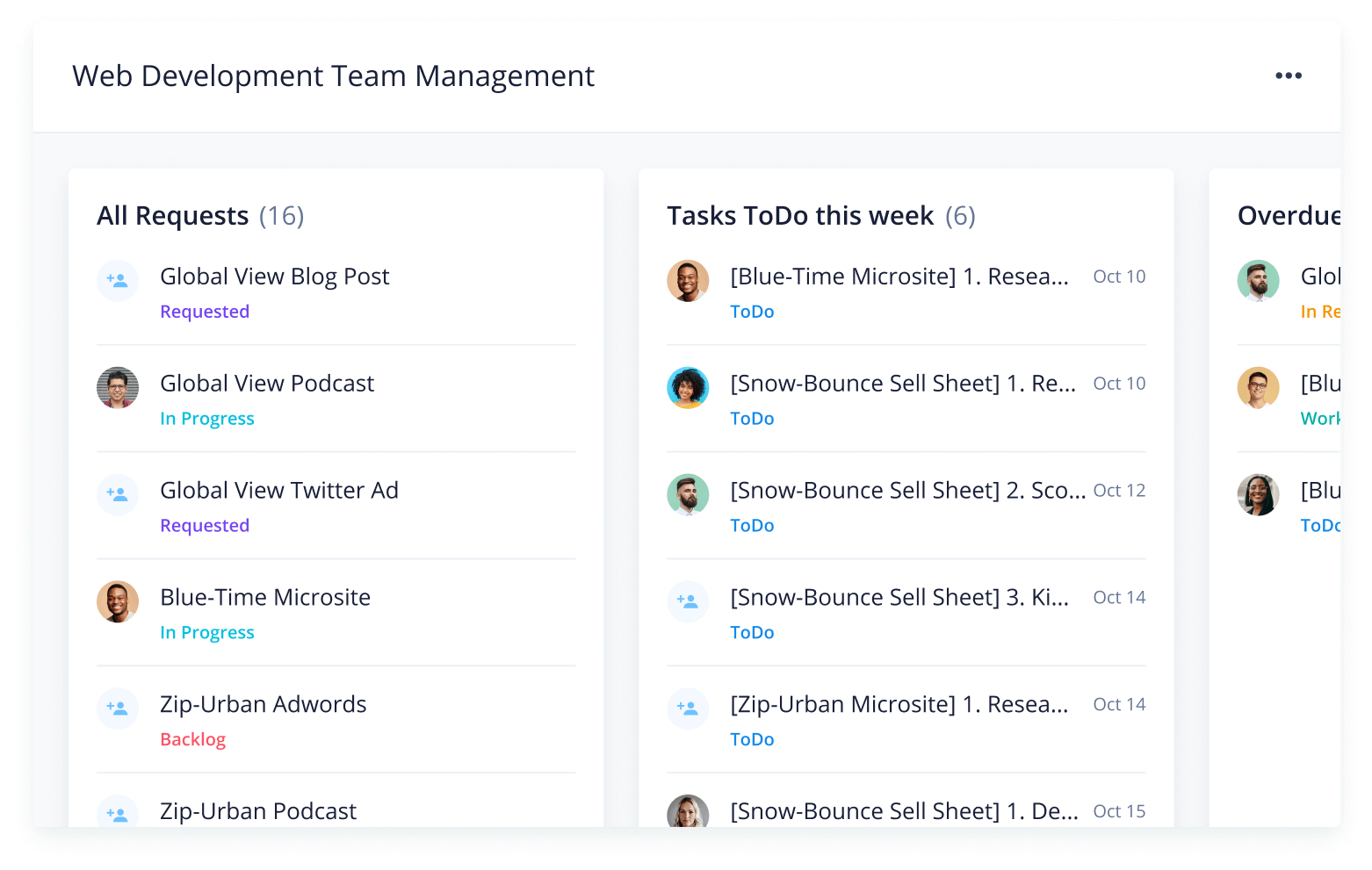
Get a bird’s-eye view of multiple projects with interactive Gantt charts, shared dashboards, and team workflows. Wrike’s website development plan template includes three pre-configured dashboards to help you track client contracts, work sprints, and developer requests. Add custom widgets and statuses to prioritize your updates.
Make Wrike work for you
Keep all your tools in one place so that you can track every action while motivating your team on the project goals outlined in your software development website template. Wrike’s powerful work management features are designed to streamline your strategic projects so you can manage your resources and time more efficiently.
Wrike’s software is designed to work for you — not the other way around. Use it to streamline your planning process, ensure successful execution, and hit your deadlines, every time.
Resources for web development teams
Learn how Moneytree used Wrike to automate workflows and streamline approvals
Discover how BigCommerce improved customer interactions with Wrike
Read how Capgemini used Wrike to maximize team productivity
Wrike’s web development template streamlines the process of creating a website project plan. It helps managers gather information to sequence tasks, capture dependencies, ensure the project is delivered on time, create a project blueprint, and generate a Gantt chart with actionable steps for team members.
Project managers and traffic managers can use the website development plan template to quickly gather client information for web-related projects, automatically distill it into a blueprint, and create an actionable set of sequenced tasks to complete the project on time.
Yes, the website development project plan template includes a customizable request form, as well as automatically generated dashboards, workflows, and folders.
How to install this template in your account
You can only access this template when you create a new space. You can access the use case templates gallery through the space creation wizard. When you opt to create a new space, the template gallery opens by default.
Click the “+” button in the upper-right corner of your workspace.
Select “Space.”
On the page that opens, hover over the use case you want and click “Preview.” Look for the “Website project plan” template in the list (use the search bar if needed).
Now, you can see more information about the use case. Click “Select” to create a space.
Yes, there are.
To use this template, you need to have at least the Business plan or up. Check our plans here.
You must have the required permission to create a public space in your account.
If the template contains account-level custom fields, custom item types, workflows, request forms, or automation, you must have the permission required to create those items.
This template is only available when the workspace language is set to English.
Check the prerequisites above. If you don’t match one of the prerequisites, talk to your space admin or your account owner. If you match all the prerequisites and you still can’t see the “Website project plan“ template, feel free to reach out to the Wrike support team.
Unlock the power of Wrike’s templates
Use our smart search tool to explore versatile templates, designed for easy customization and streamlined project management.
Wrike enhances its website search experience using Google's Vertex AI Search and Conversation generative AI service. Users are cautioned that generative AI might produce inappropriate, inaccurate, offensive, or unintended results, and are advised against submitting explicit, harmful, offensive, or illegal content as search input. Neither Wrike nor Google uses your search inputs to train its machine learning models or for advertising purposes, but search activities may be collected and/or stored via cookies in accordance with our Privacy Policy if you previously registered on our website. These cookies can be deleted through your browser settings. Wrike's search service is not designed to be used in connection with your personal data or any sensitive data of any kind, which users must refrain from inputting.