Even the most experienced project management professionals need the help of additional resources at times — especially for large, unwieldy projects or complicated workflows. The most common challenges include:
Simplifying the scope of complex projects
Setting defined timelines and due dates
Managing and monitoring resources
Wrike’s work breakdown structure template can help you overcome these obstacles, providing a straightforward roadmap that will enable you to:
Separate your project into structured phases and tasks
Track tasks to balance workloads and stay on course
Maintain a bird’s-eye view of the entire project
Why you need the work breakdown structure template
More organized plans
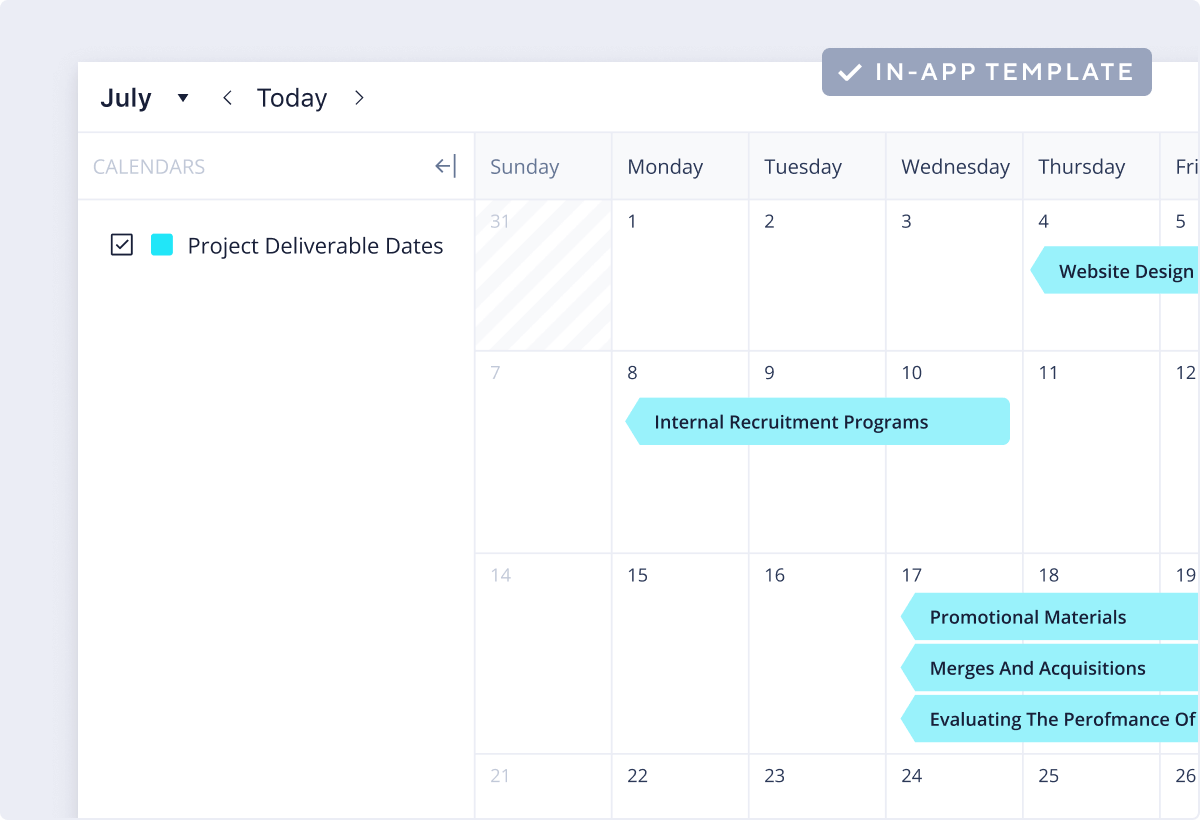
For a project to progress smoothly, it must follow a clear path. Set timescales for each of your tasks and view them in Gantt charts, lists, or calendars to keep track of durations and deadlines.
Better-managed budgets
The WBS template helps you estimate which resources you will need for each phase of your project and what the projected costs will be. Monitor changes in real time and share updates in seconds.
Clearer communication
It’s easy to get confused when tackling multipart projects. Use our work breakdown structure samples to reduce levels of miscommunication across your team and avoid accidental duplications of work.
A wealth of support and guidance at your fingertips.
Guide
Understand How a WBS Can Help you Deliver Your Best Work
Blog
Get Expert Advice With the Ultimate Guide to Project Management
Case study
How Fitbit Used Wrike’s Project Management Software to Improve Launch Processes
FAQ and how to install this template in your account
This template helps project management teams simplify their larger projects by breaking them down into scheduled phases and compartmentalized tasks.
Just enter your business email and follow the simple steps. What if you don’t have a Wrike subscription? No big deal — sign up for a free two-week trial today.
Yes, this template is free, easy to use, and available to existing Wrike Business Plus users and above.
You can only access this template when you create a new space. You can access the use case templates gallery through the space creation wizard. When you opt to create a new space, the template gallery opens by default.
Click the “+” button in the upper-right corner of your workspace.
Select “Space.”
On the page that opens, hover over the use case you want and click “Preview.” Look for the “Work breakdown structure” template in the list (use the search bar if needed).
Now, you can see more information about the use case. Click “Select” to create a space.
Yes, there are.
To use this template, you need to have at least the Business plan or up. Check our plans here.
You must have the required permission to create a public space in your account.
If the template contains account-level custom fields, custom item types, workflows, request forms, or automation, you must have the permission required to create those items.
This template is only available when the workspace language is set to English.
Check the prerequisites above. If you don’t match one of the prerequisites, talk to your space admin or your account owner. If you match all the prerequisites and you still can’t see the “Work breakdown structure“ template, feel free to reach out to the Wrike support team.
Unlock the power of Wrike’s templates
Use our smart search tool to explore versatile templates, designed for easy customization and streamlined project management.
Wrike enhances its website search experience using Google's Vertex AI Search and Conversation generative AI service. Users are cautioned that generative AI might produce inappropriate, inaccurate, offensive, or unintended results, and are advised against submitting explicit, harmful, offensive, or illegal content as search input. Neither Wrike nor Google uses your search inputs to train its machine learning models or for advertising purposes, but search activities may be collected and/or stored via cookies in accordance with our Privacy Policy if you previously registered on our website. These cookies can be deleted through your browser settings. Wrike's search service is not designed to be used in connection with your personal data or any sensitive data of any kind, which users must refrain from inputting.