Empower Teams with Flexible Remote Working Software
Motivate your teams to do the best work of their lives from anywhere with Wrike’s suite of remote working tools.
TRUSTED BY 20,000+ HAPPY CUSTOMERS WORLDWIDE
Collaborate seamlessly on one platform
Enable your team to collaborate and communicate from anywhere with remote working software. Wrike offers a robust set of remote working tools to streamline workflows and keep everyone on the same page. Improve teamwork with advanced work from home tools.
Keep track of projects
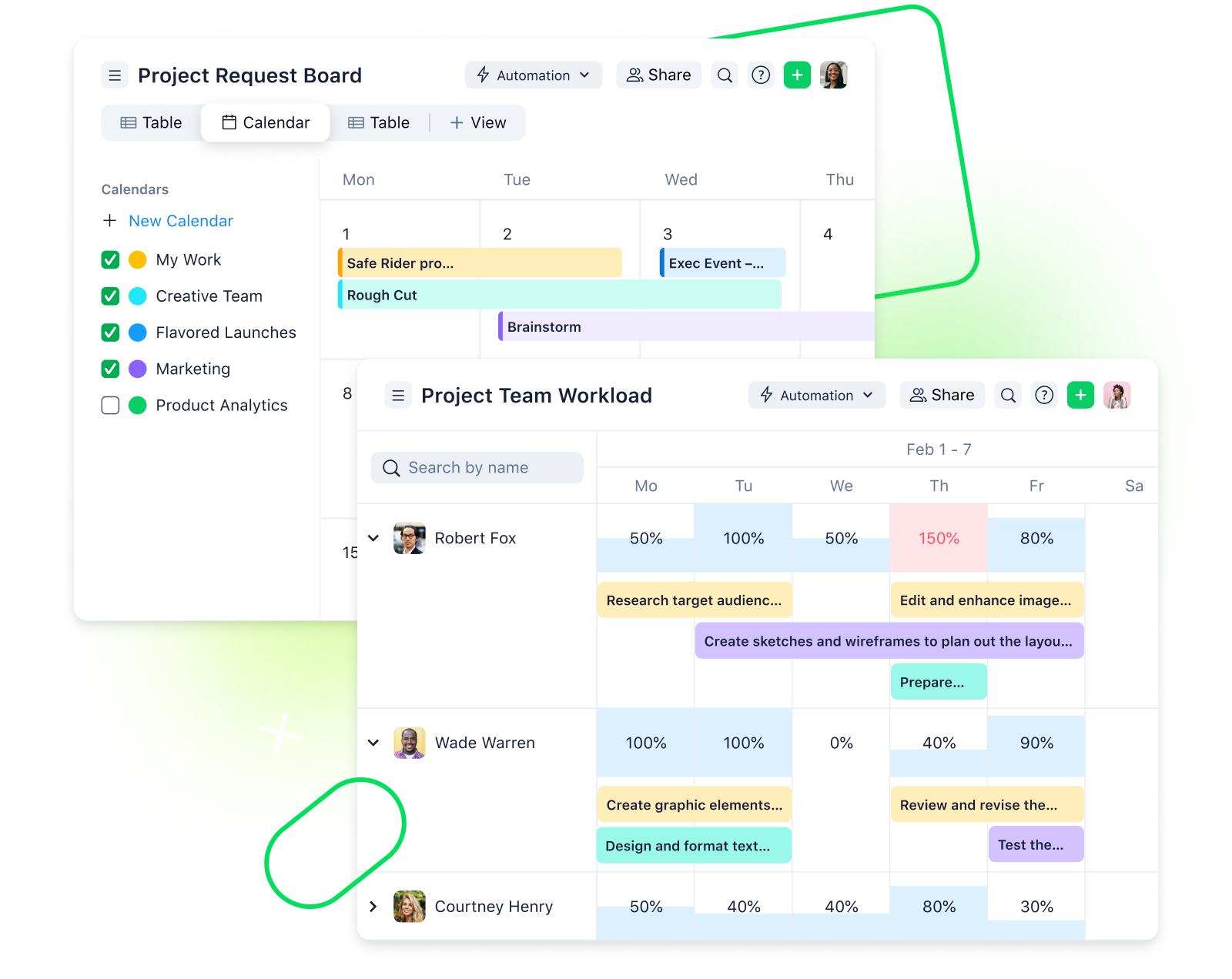
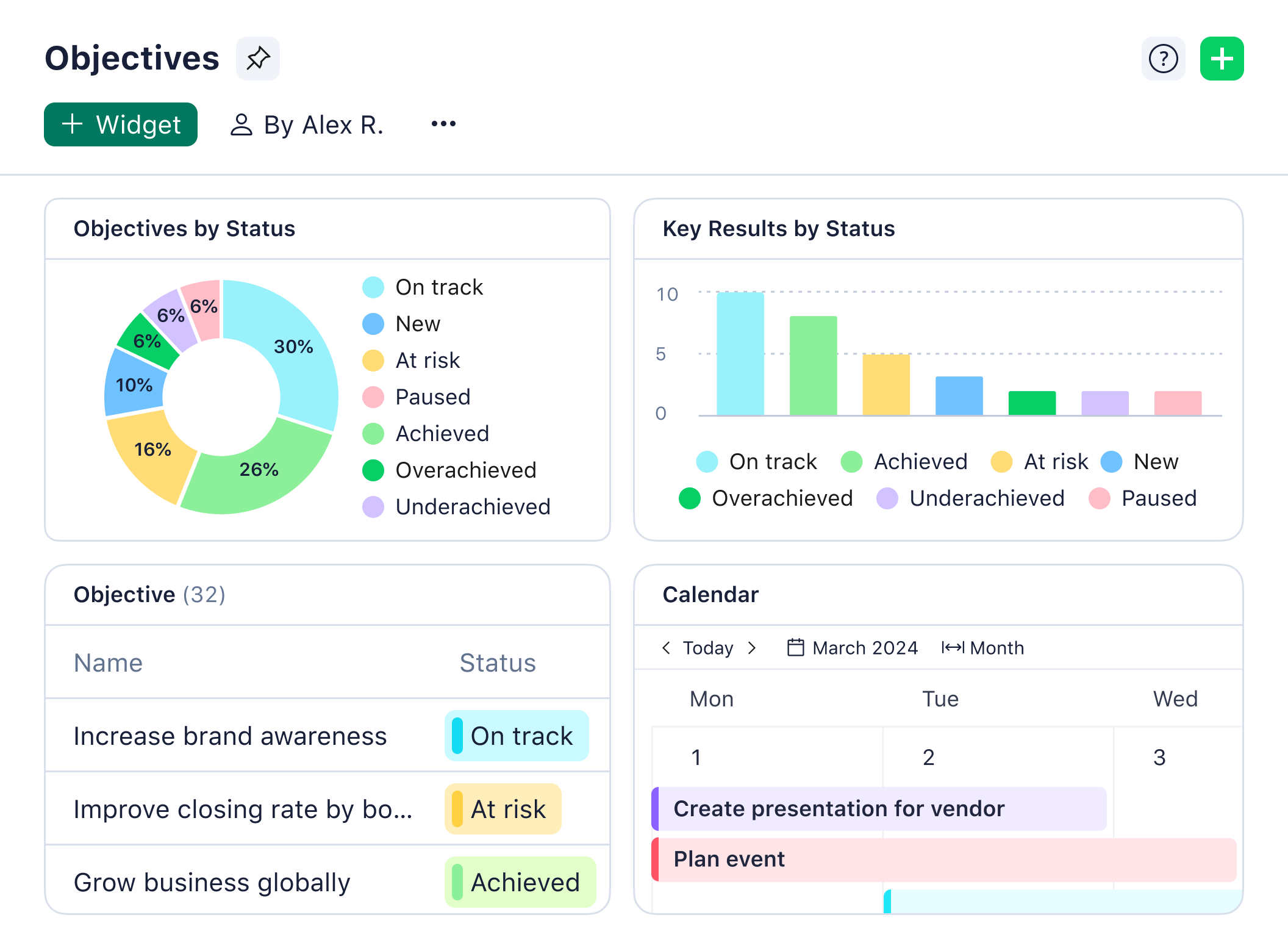
Get an organization-wide view of all projects in one place. Manage dispersed teams easily with Wrike’s remote working software.
Streamline your workflow
Save time switching between platforms — integrate with 400+ apps to bring your favorite remote collaboration tools together.
Improve teamwork
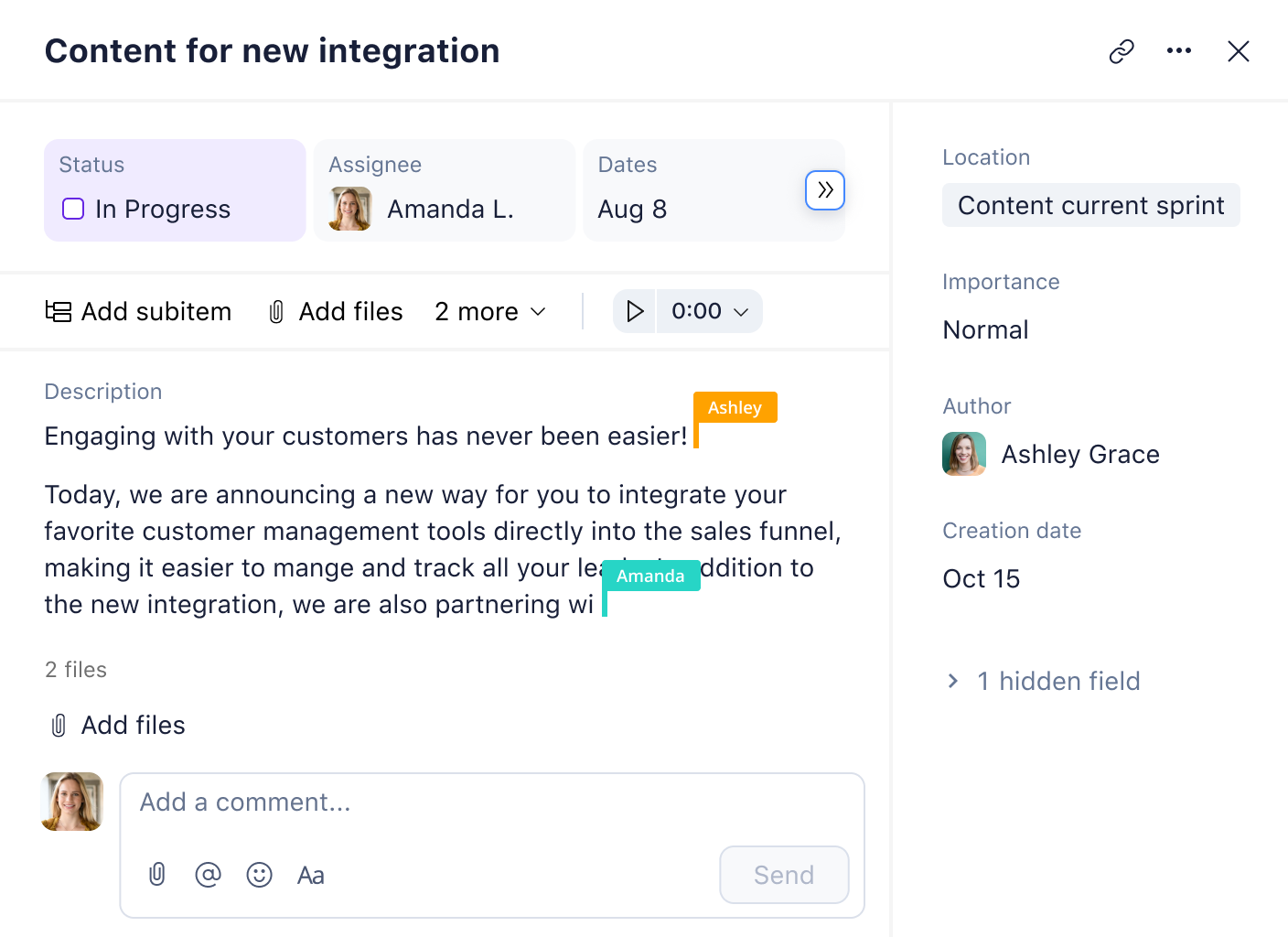
Stay connected, give feedback, and keep everyone focused on company goals with Wrike’s collaboration tools for remote teams.
Unlock 360° visibility across departments
Make it easy for your teams to work together in any environment with cutting-edge remote working tools and features. Wrike’s remote working software simplifies team communication, task sharing, and project prioritization.
Plan your projects with Wrike’s remote working tools and ready-built templates.
Build flexible project timelines
Eliminate confusion in remote working situations by splitting projects up into manageable tasks with clear deadlines.
Share progress at each stage
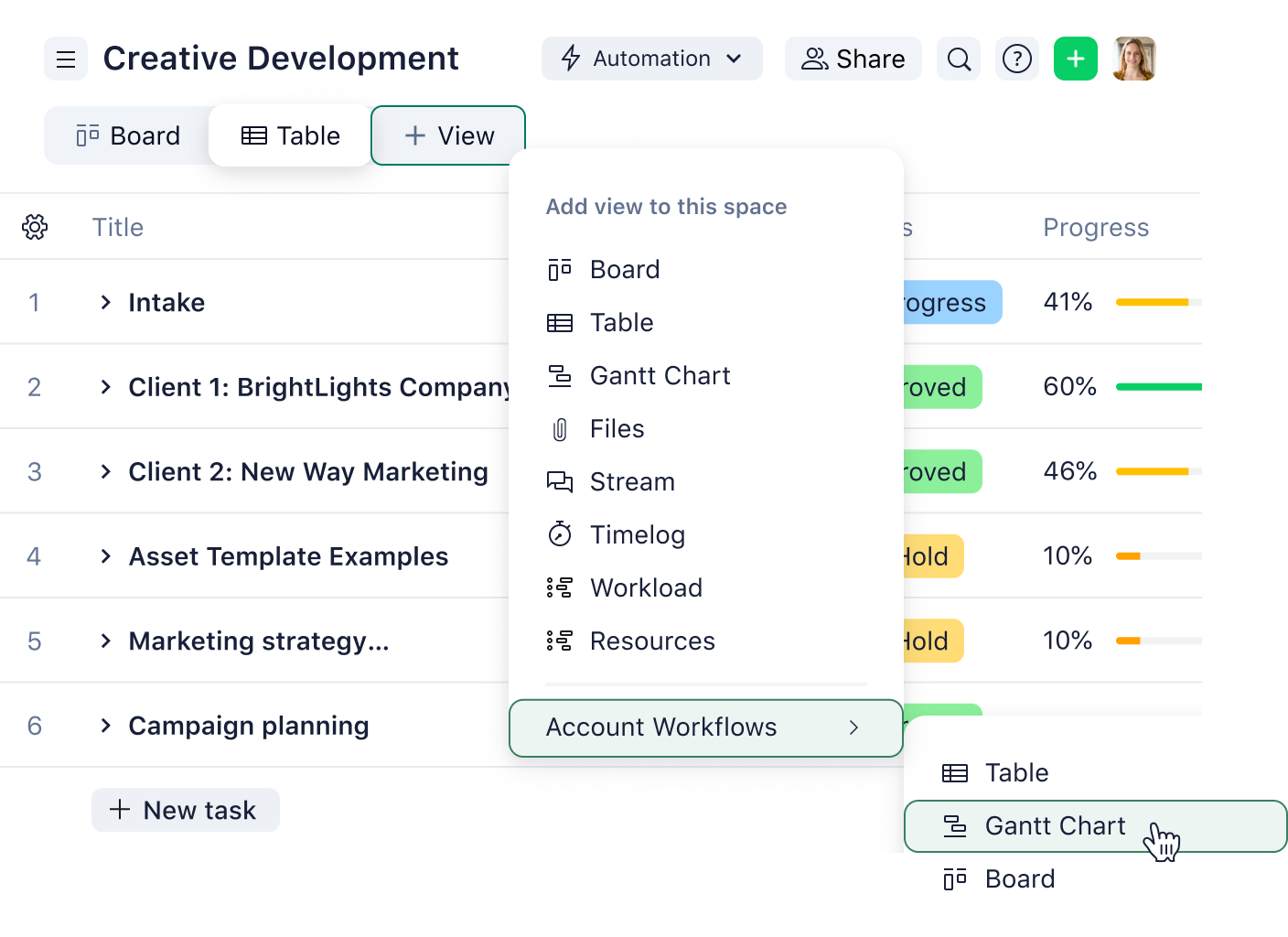
Use remote collaboration tools such as Kanban boards to segment projects into different stages and visualize your progress.
Supercharge your sprint planning
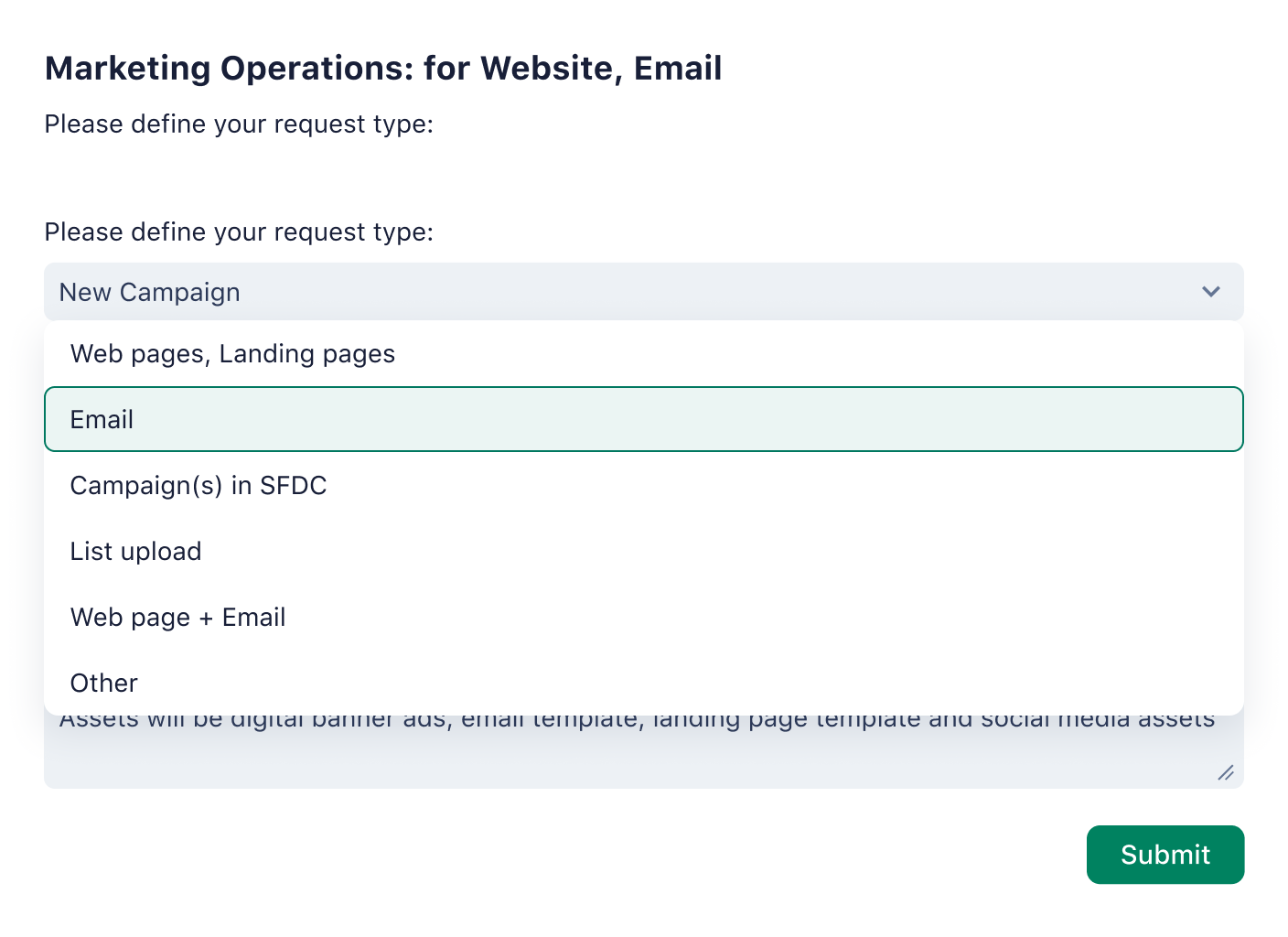
Build custom workflows, request forms, dashboards, and folders to organize regular sprints for your Agile teams.
Accelerate the approval process
Manage incoming briefs, give instant feedback, and approve edits on creative assets with Wrike’s remote working software.
Work smarter with 400+ app integrations
Tired of switching from one workspace to the next? Keep all your apps together in Wrike. Eliminate distraction and stay focused on your tasks with one remote working software platform.
“Wrike helps us collaborate in the best possible way, and it gives our teams the support they need to work better. We could roll out a tool on a global scale, and we were also able to offer a secure and an integrated tool.”

Hannes Leitner, Process Owner, Project Execution, Siemens Smart Infrastructure
“Projects that used to take us eight days now take us only five. We’ve also been able to handle about 80 more projects per quarter. That’s a 20% increase in workload that marketing can take on because of Wrike.”

Sean Amster, Digital Strategy & Operations Manager, Frontline Education
How to manage remote work with Wrike

Tired of switching between various work from home tools? Keep all your apps together in Wrike. Eliminate distraction and stay focused with one remote working software platform.
Support remote teams with these resources
Remote working tools are just some of the advanced features your team can benefit from. With Wrike’s remote working software, you’ll be given a company-wide view of projects, access expert remote work tips, and develop your project management. Use collaboration tools for remote teams to achieve your business goals.
Remote work guide
Access remote working tips
Optimize your team collaboration with Wrike’s Remote Work Guide. Explore work from home tools and best practices.
Use case
Customize your workspace
Get full flexibility with Wrike’s remote working software. Automate workflows and tailor requests to suit your team.
Remote work guide
Enhance your projects
Unlock the essentials of project management. Find methodologies and best practices in Wrike’s Project Management Guide.
team solution
Get a company-wide view
Ensure your organization stays connected with Wrike’s collaboration tools for remote teams. Work as one in the cloud.
use cases
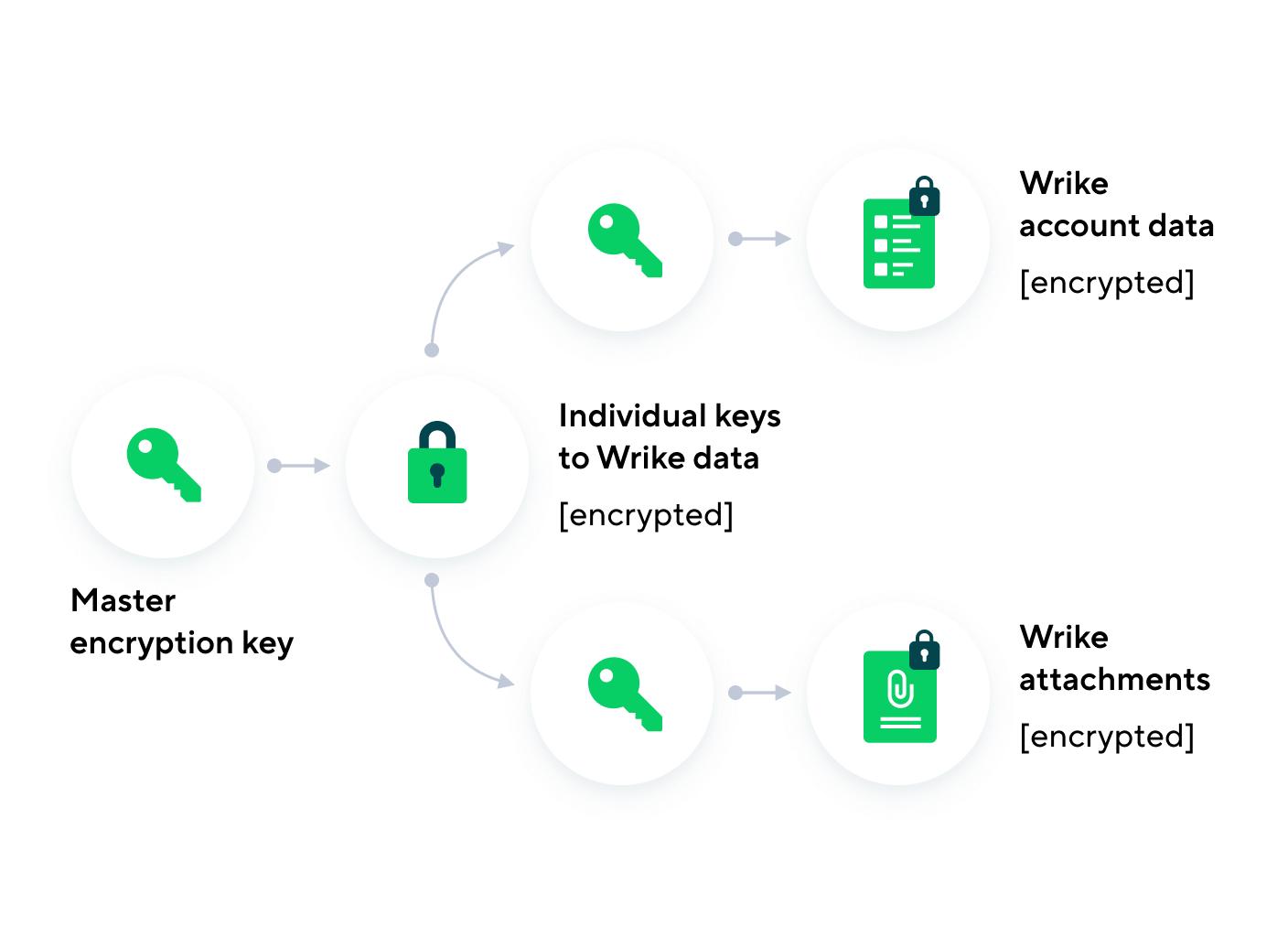
Trust in robust security features
Secure your organization with enterprise-grade features — use Wrike’s trusted project management software for success.
help center
Learn Wrike by doing
Experience the benefits of the Wrike Help Center. Get access to interactive training, feature overviews, and how-to guides.
Remote working tools help teams to work from outside the office effectively. These include custom request forms, Kanban boards, Gantt charts, app integration, and live editing.
The best way to manage your work is with robust remote working software. Create timelines with Gantt charts, track status with Kanban boards, and build custom reports on your progress and productivity.
Flexible work from home tools are key to remote working. Use comprehensive software with all the tools you need to track work and collaborate with your team from anywhere. Communicate via @mentions, integrate with apps, and make edits in real-time.
Managers can use remote collaboration tools to engage dispersed teams. They can quickly integrate their remote working software with messaging apps, @mention team members to have discussions in real-time, and share updates.
Get to know Wrike better
Search for features and resources to see how Wrike powers your team’s success with tailored solutions.
Wrike enhances its website search experience using Google's Vertex AI Search and Conversation generative AI service. Users are cautioned that generative AI might produce inappropriate, inaccurate, offensive, or unintended results, and are advised against submitting explicit, harmful, offensive, or illegal content as search input. Neither Wrike nor Google uses your search inputs to train its machine learning models or for advertising purposes, but search activities may be collected and/or stored via cookies in accordance with our Privacy Policy if you previously registered on our website. These cookies can be deleted through your browser settings. Wrike's search service is not designed to be used in connection with your personal data or any sensitive data of any kind, which users must refrain from inputting.