Work as One® With the Best Team Management Software
Use Wrike’s team management software to streamline workflows and keep track of multiple departments across your company.
TRUSTED BY 20,000+ HAPPY CUSTOMERS WORLDWIDE
Empower teams with all-in-one software
Unify your colleagues with Wrike’s robust team management app. Our real-time tools make it easy for teams to amplify communication and work together remotely. Improve organization and store everything in one place with powerful team project management software.
Build a collaboration hub
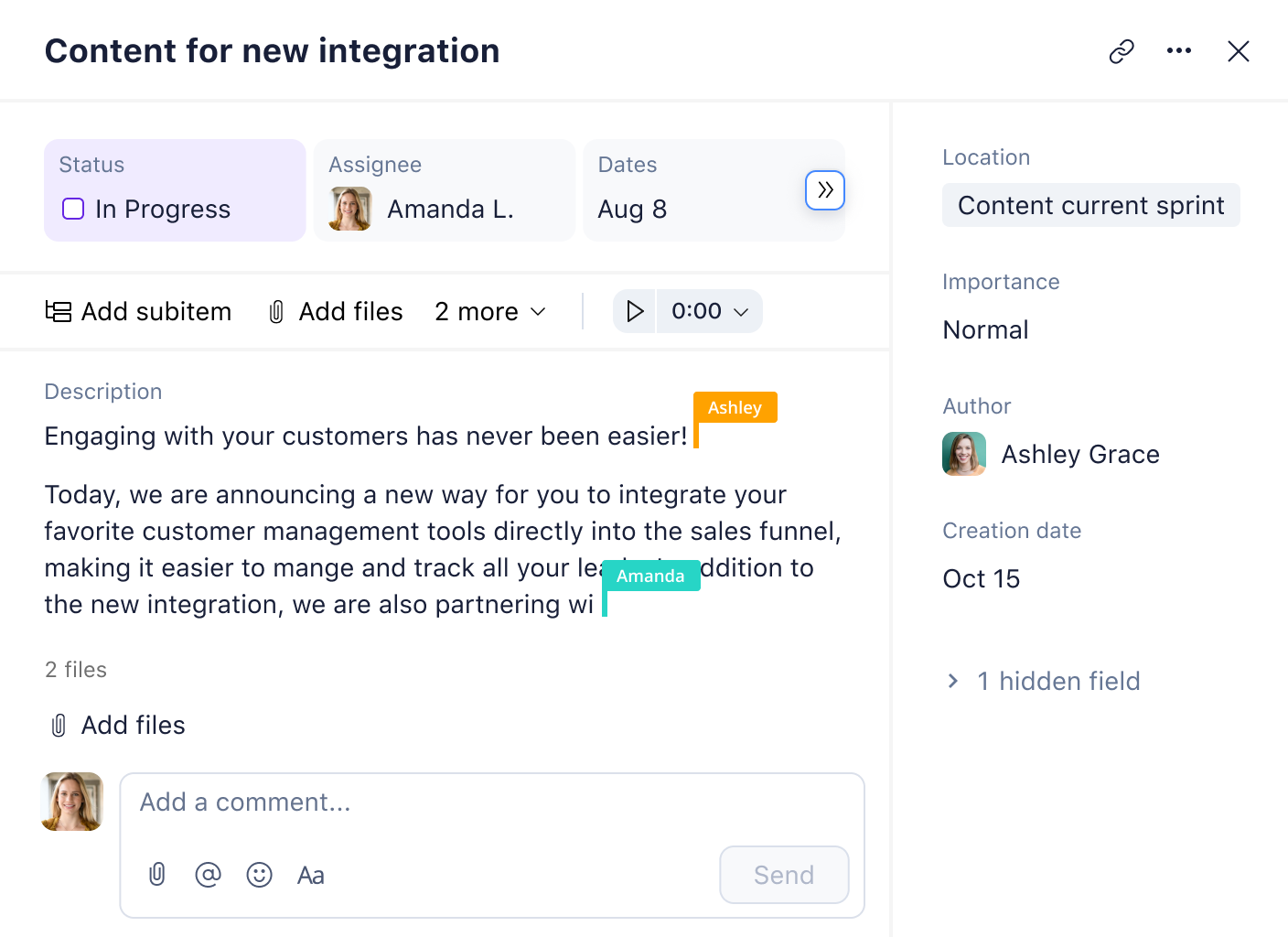
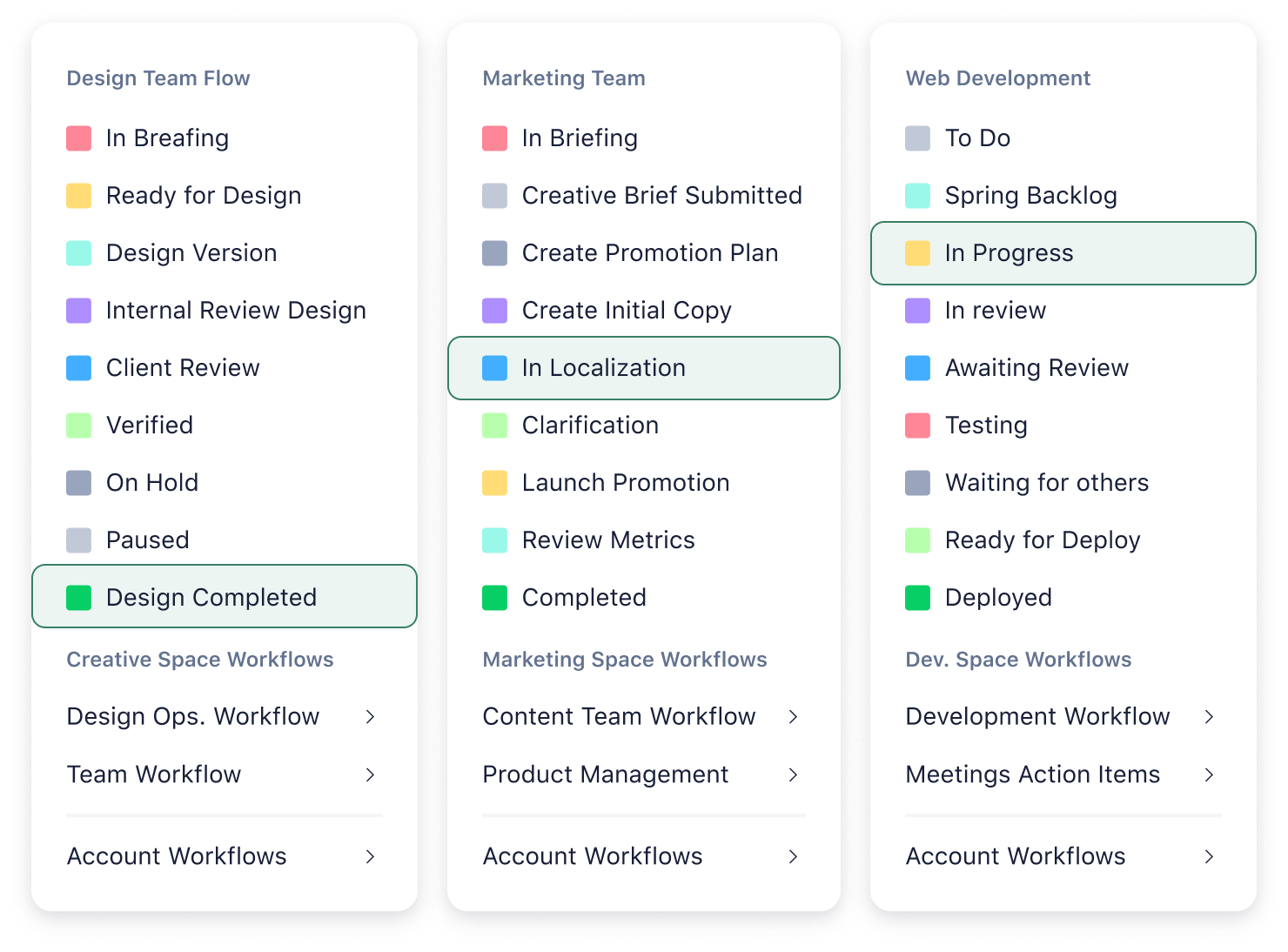
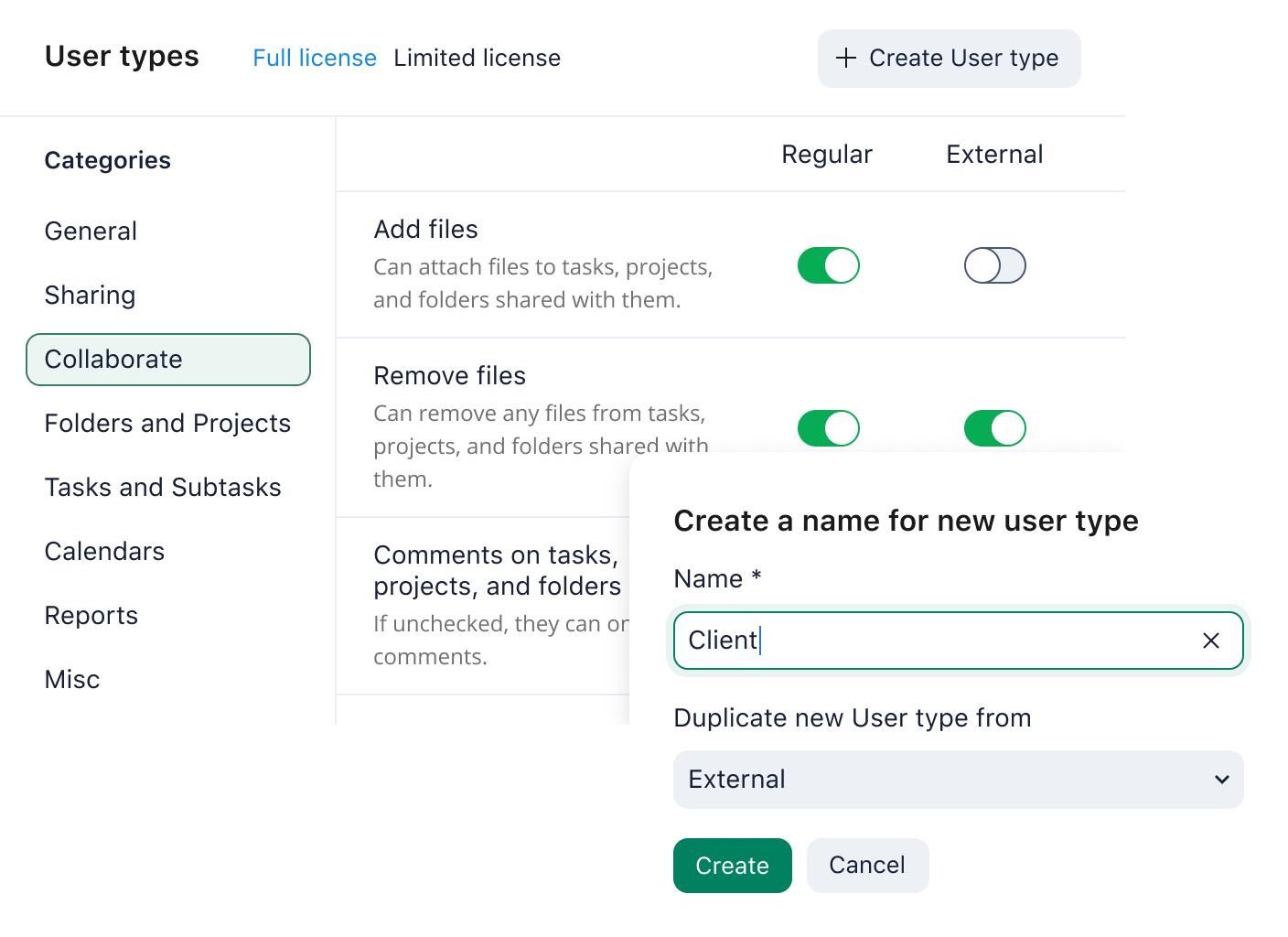
Create a unified workspace for your colleagues. Organize project tasks, share files in folders, and design unique team spaces.
Ensure regular communication
Give instant feedback and share project updates with a click — keep everyone in the loop with Wrike’s team management software.
Simplify remote work
Collaborate remotely and view project updates on the go. Work from anywhere in the world with Wrike’s team management app.
Experience top team management tools
Wrike’s team management software has plenty of features to make your work life easier.
Simplify team management with ready-built templates
Use Wrike’s team management software templates to plan projects and keep them on track.
Outline goals
Align different teams by sharing company-wide objectives and key results and mapping the steps you need to get there.
Stay Agile
Unlock the power of Agile with Wrike’s team management software. Prioritize backlogs, plan sprints, and accelerate deliverables.
Break projects into phases
Maintain clear communication and a 360° view of the entire project to ensure on-time delivery.
Schedule projects
Break large projects down into small tasks with flexible due dates. Manage milestones and deadlines with team Gantt charts.
Kickstart campaigns
Design top marketing campaigns with Wrike’s team project management software. Execute plans, monitor progress, and boost ROI.
Communicate effectively
Eliminate miscommunication today — connect colleagues and update stakeholders with intuitive team project management tools.
All-in-one team management app
Integrate with the best team management tools, including Microsoft Teams and Slack. Choose from more than 400 apps to streamline tasks and manage workloads — all on one platform.
“I’ve never seen a platform as easy to use, as easy to onboard new users, as easy to scale, and as easy to customize to your own workflow, process, team, clientele, and changing environment.”
Cheryl Venable, Senior Manager of Operations, Creative Center, Sony Pictures Television
“Before Wrike, there was no kind of centralized place to manage anything ... Now I can keep team members on track for completing their tasks and I can relay to our cross-functional partners where we are in the design process.”

Nicole Censani, Design Operations Manager, Fitbit
“Team members love Wrike because they no longer have a long list of 400+ disjointed tasks. They feel like they have more control and visibility into how their work impacts company goals.”

Shaun Carlson, Director of R&D and Continuous Innovation, Arvig
How to use Wrike’s team management software

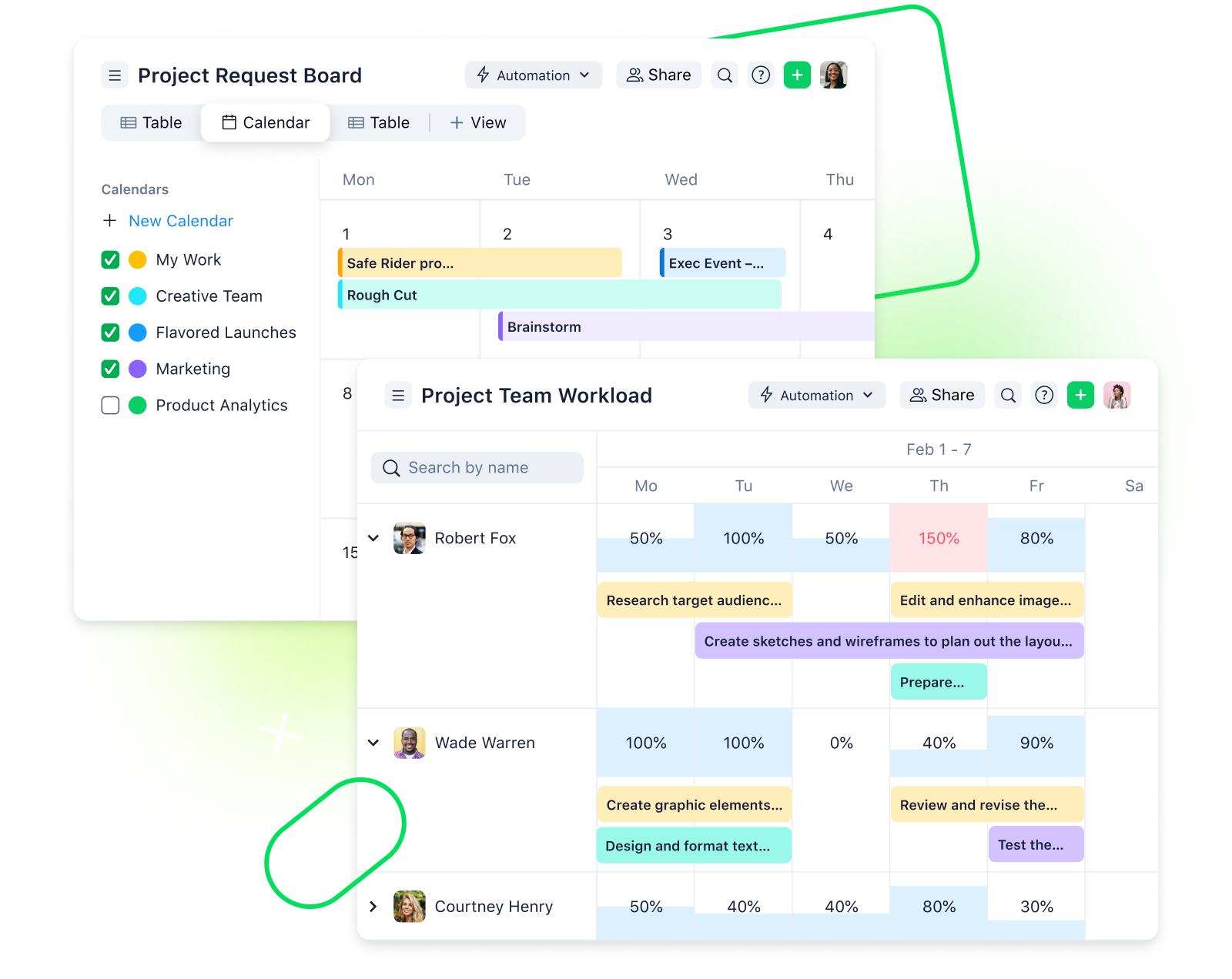
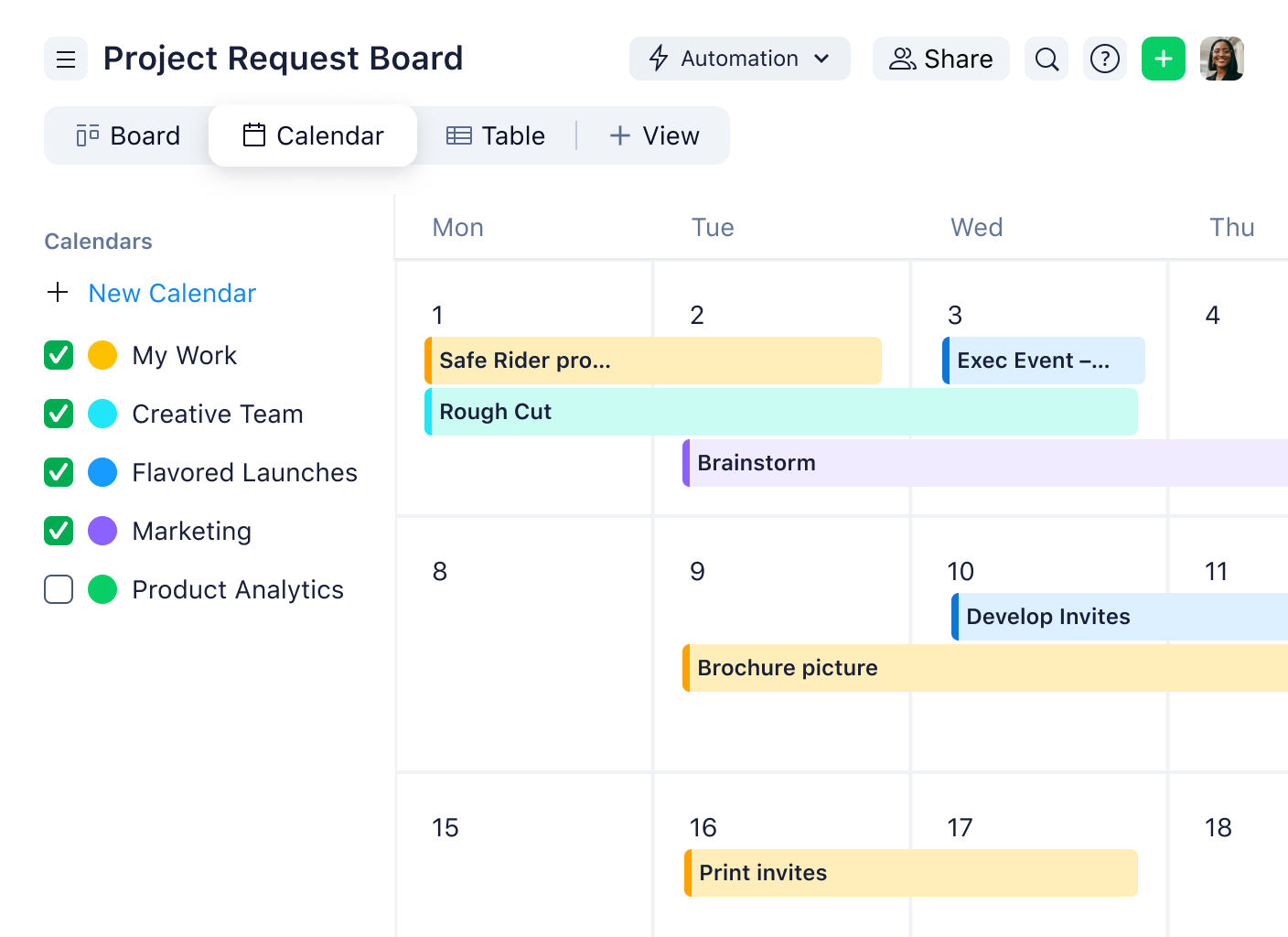
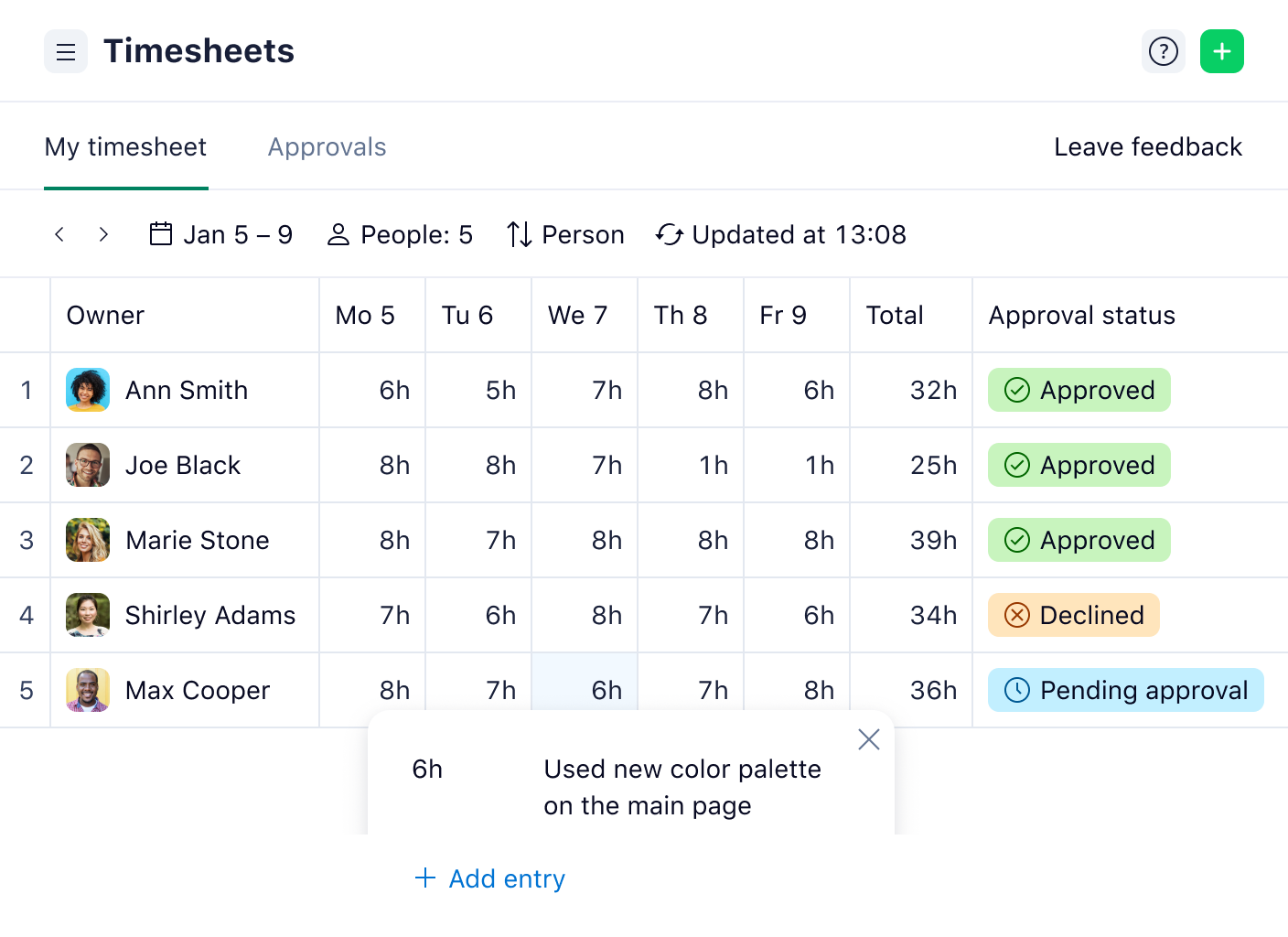
Streamline your workload with our versatile team management app. Manage multiple team schedules with shared calendars. Monitor individual workloads with Kanban boards. Use time tracking tools to gain efficiency and boost resource planning.
Robust resources to enhance your team management
Get even more trusted features from our team management software. Use top tips to better manage your resources and work collaboratively from wherever you are. Our team management tools empower users in more ways than one.
remote work guide
Embrace remote work
Find out how to maintain a positive environment, motivate virtual employees, and ensure transparency with Wrike’s ultimate guide.
use case
Manage resources
Maximize efficiency with Wrike’s team management tools. Balance workloads and redistribute resources to avoid burnout.
ebook
Work collaboratively
Use Wrike’s team project management software to align marketing efforts, collaborate on successful campaigns, and analyze results.
team solution
Increase visibility
View progress across your organization with team project management tools such as custom dashboards and status reports.
team solution
Satisfy clients
Manage client portfolios, deliver projects on time, and stay within budget — turbocharge your professional services offering.
Use team project management tools such as customizable dashboards, Kanban boards, and Gantt charts to monitor progress.
Your team project management software should, at the minimum, offer live editing, time tracking, collaborative calendars, and enterprise-grade security. Depending on how your team works, you may also need features to support an Agile framework, such as Kanban boards.
Yes. Wrike’s team management app is compatible with Mac and Windows desktops. You can also download the Wrike mobile app, available for both iOS and Android.
Wrike has everything you need to be a successful team manager. Manage multiple projects and teams with ease, all on one powerful platform. Streamline your tools, customize your workspace, and experience true end-to-end collaboration with Wrike.
Get to know Wrike better
Search for features and resources to see how Wrike powers your team’s success with tailored solutions.
Wrike enhances its website search experience using Google's Vertex AI Search and Conversation generative AI service. Users are cautioned that generative AI might produce inappropriate, inaccurate, offensive, or unintended results, and are advised against submitting explicit, harmful, offensive, or illegal content as search input. Neither Wrike nor Google uses your search inputs to train its machine learning models or for advertising purposes, but search activities may be collected and/or stored via cookies in accordance with our Privacy Policy if you previously registered on our website. These cookies can be deleted through your browser settings. Wrike's search service is not designed to be used in connection with your personal data or any sensitive data of any kind, which users must refrain from inputting.