AI that doesn’t just
assist — it executes
Give Claude or ChatGPT governed, real-time access to your Wrike workspace. No custom infrastructure. Just work that gets done.

Go to Claude, OpenAI, Microsoft Copilot, or your everyday AI assistant.

Sign in securely with OAuth or your API key, and you’re ready to go.

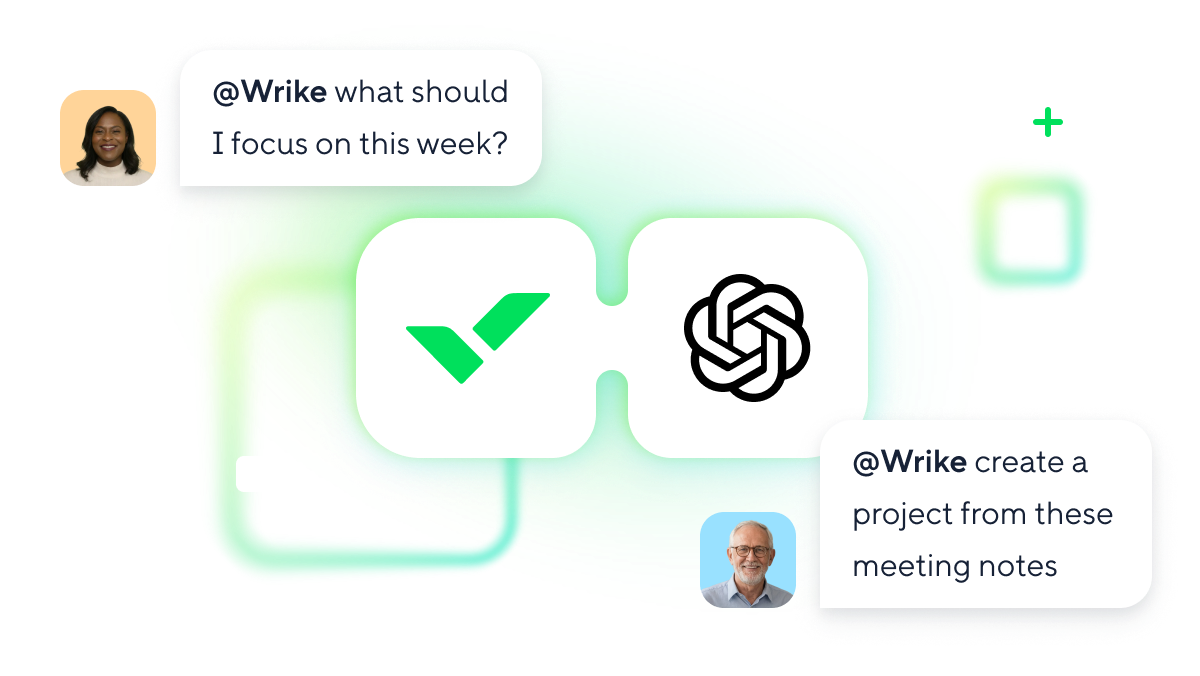
Turn meeting notes into projects, assign work, and ask questions across any space.

Get everything you need in one place, so you stay in flow and get more done.
Wrike is now available
as an App in ChatGPT
Connect Wrike to OpenAI with MCP Server and bring work context into AI.
Wrike MCP Server connects OpenAI to live work data with secure, governed, OAuth-based access and full auditability, turning AI into an accountable participant in enterprise workflows.
Least-privilege access
AI assistants authenticate via industry-standard OAuth and operate within the user’s own permissions. They can only access what that user is already allowed to see — nothing more.

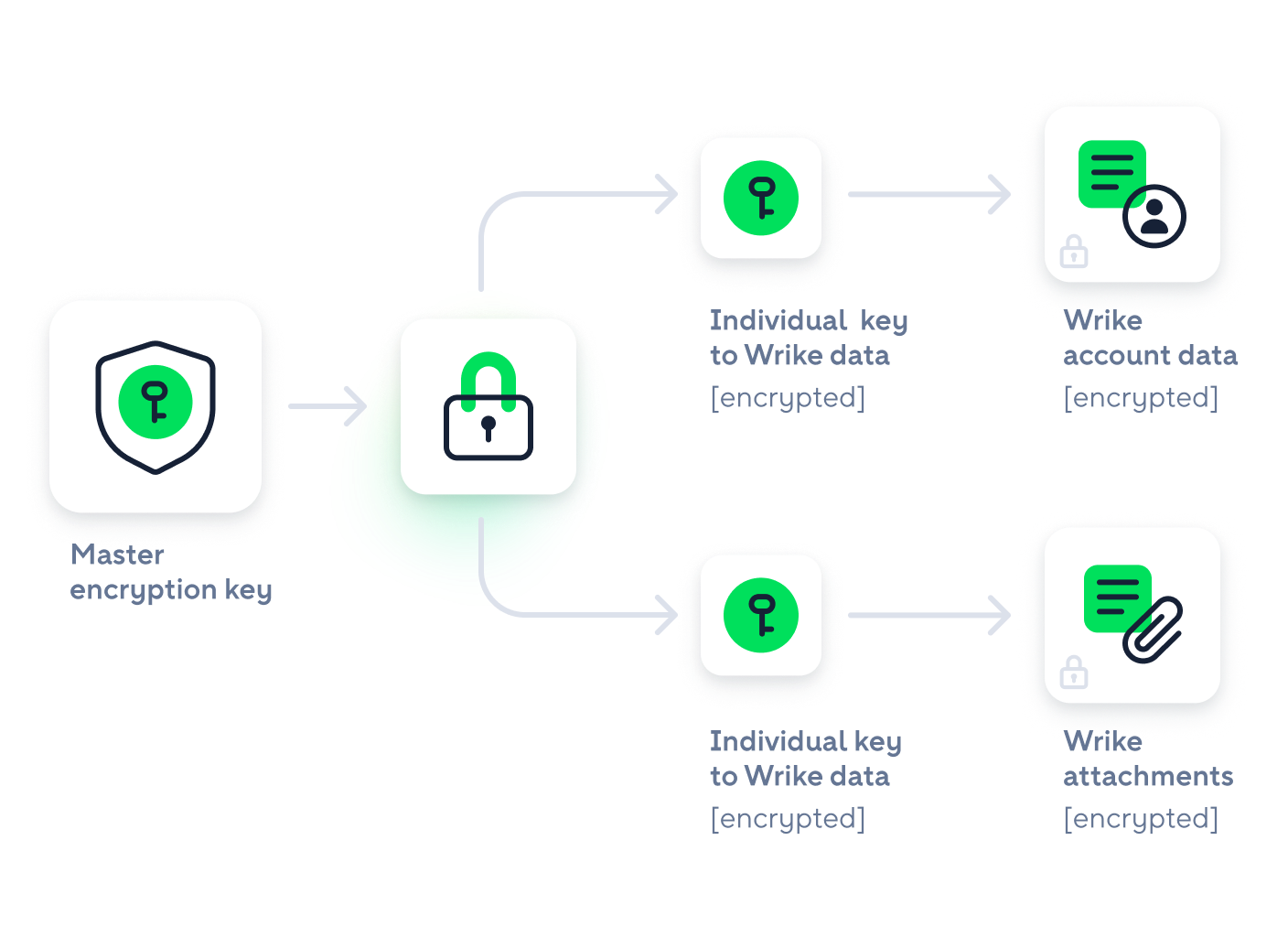
Encryption you control
Wrike is regularly tested and audited against stringent enterprise requirements. Customer-controlled encryption means your data stays under lock and key.
Isolated at scale
Multitenant architecture delivers performance across your entire organization without trading isolation. Your data doesn’t mix with anyone else’s, at any volume.

Wrike MCP Server has transformed the way our team works by bringing Microsoft Copilot directly into our project workflows. Instead of digging through long comment threads, we can ask Microsoft Copilot to summarize key decisions and draft project updates instantly, keeping everyone aligned and saving significant time. This integration makes our workflows feel genuinely connected, and ultimately helps our teams work smarter, move faster, and do their best work.


Stop rewriting your notes. Connect Zoom or Teams to Wrike via MCP and automatically turn meeting transcripts into projects, tasks, and assignments.

Your briefs, plans, and notes in Google Drive shouldn’t sit there. Connect Drive to Wrike through MCP and use AI to pull context from your docs and convert it directly into structured work — no copy‑pasting.

Connect your AI assistant to Wrike through MCP and get a sharp view of your day before you open a single app. Surface urgent tasks, shifting priorities, and upcoming deadlines in seconds.
Lead the future with AI Elite Mastery Certification
Unlock the full potential of Wrike AI. Automate complex workflows and drive high-velocity results with our most advanced certification yet.
Lead the future of work with Wrike AI Mastery — a hands‑on certification program.